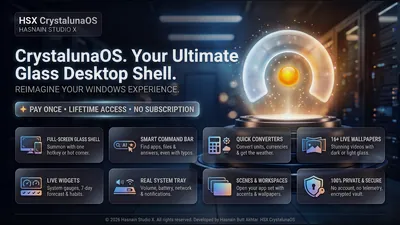
CrystalunaOS
016
Private Windows desktop shell and launcher
Published on the Microsoft Store, spanning system performance, spatial audio, video and photo editing, document tooling and local AI generation. Every app processes your files on your own hardware and ships with its own published privacy policy.
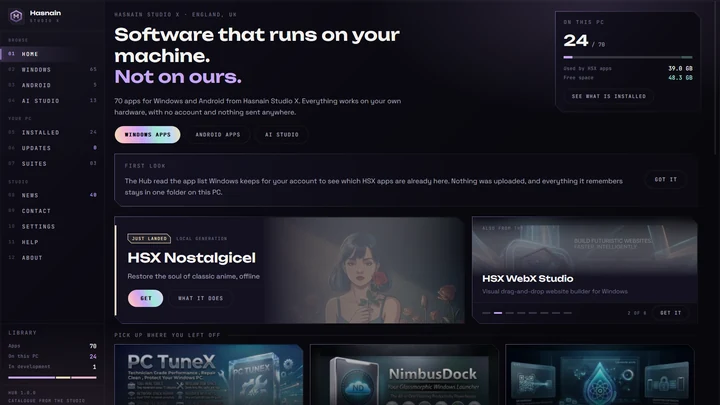
HSX Apps Hub finds the Hasnain Studio X apps already on your PC, launches them in a click, and tells you when one has moved on. No account, nothing sent anywhere.





Looking for mobile apps? Explore the Android catalogue.
Browse Android AppsEvery Windows application published by Hasnain Studio X on the Microsoft Store, with what it does and a direct link to its privacy policy. All 74 entries below are plain text and always available, with no JavaScript required.
New desktops, docks, widgets and live wallpapers
Private Windows desktop shell and launcher
A private, local-first Windows desktop shell with a clean launcher, customisable widgets, workspace management, and note panels - a cleaner replacement for the default Start experience.
CrystalunaOS details · Try free on Microsoft Store · CrystalunaOS privacy policy
Synthwave command deck for the Windows desktop
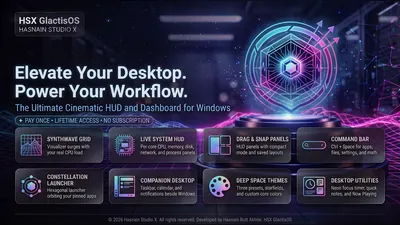
A synthwave-styled command deck for the Windows desktop. Everything is local-first with no telemetry, and the single optional network feature is clearly disclosed before use.
GlactisOS details · Try free on Microsoft Store · GlactisOS privacy policy
A katana-styled desktop shell for Windows
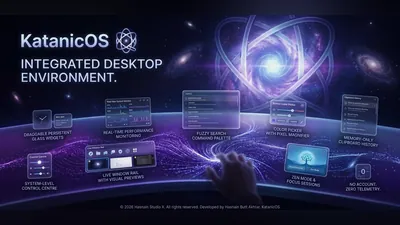
A desktop shell for Windows with a Japanese edge. KatanicOS replaces the taskbar with its own dock and lays world clocks, weather, system vitals and now playing over anime-style live wallpapers, in five inks from Shu red to Matcha green. A command palette finds any app in a keystroke, and everything runs on your PC with no account and no telemetry.
KatanicOS details · Try free on Microsoft Store · KatanicOS privacy policy
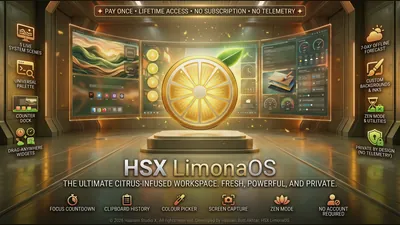
Your desktop, freshly squeezed
A citrus-bright desktop shell for Windows. LimonaOS swaps the taskbar for its own dock, opens a lemon-slice dial for desk, settings and help, and keeps weather, quick notes, now playing and live processor rings on the desk over wallpapers that react to your PC. A command palette finds any app in a keystroke, and everything runs on your PC with no account and no telemetry.
LimonaOS details · Try free on Microsoft Store · LimonaOS privacy policy
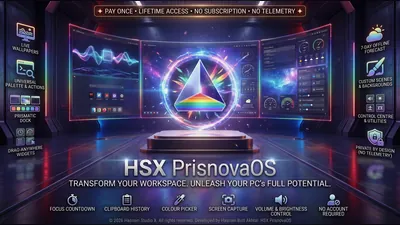
Your desktop, cut from light
A prism-themed desktop shell for Windows. PrisnovaOS replaces the taskbar with its own dock, frames your desk with world clocks, weather, system vitals and quick notes, and splits light across live wallpapers in five inks from Spectrum to Verdant. A command palette finds any app in a keystroke, and everything runs on your PC with no account and no telemetry.
PrisnovaOS details · Try free on Microsoft Store · PrisnovaOS privacy policy
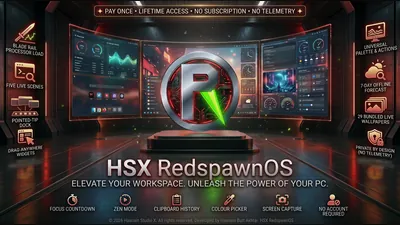
Your PC, built for play
A gaming desktop shell for Windows. RedspawnOS replaces the taskbar with its own dock and sets world clocks, weather and live system vitals over bold anime and gaming wallpapers, in five inks from Venom to Ultra. The dock edge pulses with the sound your PC is playing, a command palette finds any game or app in a keystroke, and everything runs on your PC with no account and no telemetry.
RedspawnOS details · Try free on Microsoft Store · RedspawnOS privacy policy
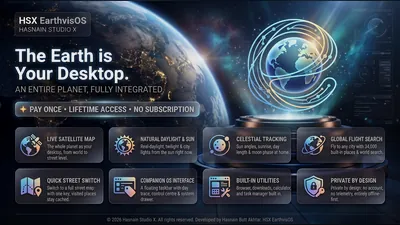
Turn your desktop into a live map of the world
EarthvisOS replaces your Windows desktop with a living map. Pin your home place, keep your taskbar and windows, and fly anywhere on Earth as your wallpaper - map tiles you have already seen are cached locally so it keeps working offline.
EarthvisOS details · Try free on Microsoft Store · EarthvisOS privacy policy
Cleanup, speed, privacy, voice control and focus
One-click cleanup and startup optimisation
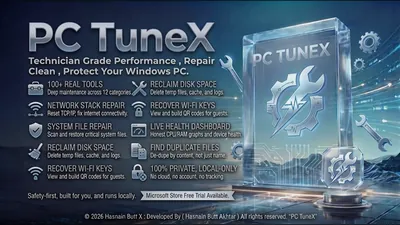
A lightweight Windows maintenance utility that keeps your PC running at its best with one-click junk cleanup, startup control, and background process management.
PC TuneX Ultra details · Try free on Microsoft Store · PC TuneX Ultra privacy policy
Smart customisable dock for your Windows desktop
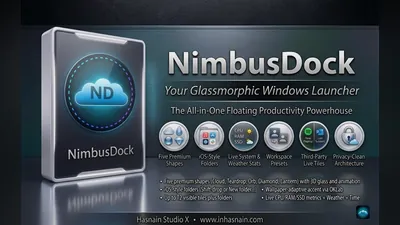
A sleek, customisable Windows dock with smart app pinning, real-time system stats, and a minimal footprint - a cleaner, faster alternative to the default taskbar.
NimbusDock Pro details · Try free on Microsoft Store · NimbusDock Pro privacy policy
Dynamic seasonal wallpapers that change with the year
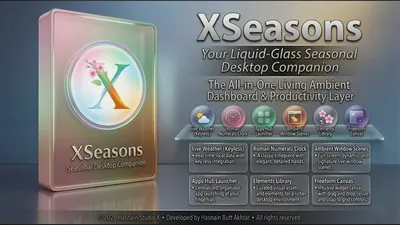
Dynamic seasonal wallpapers and ambient desktop themes that automatically update through the year. Hand-crafted scenes across all four seasons keep your desktop feeling fresh.
XSeasons Pro details · Try free on Microsoft Store · XSeasons Pro privacy policy
Full PC optimisation with Turbo Boost and Game Mode
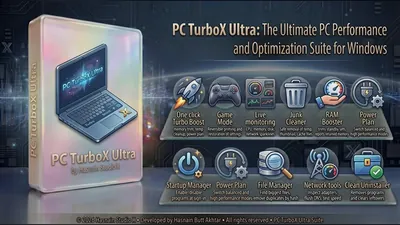
A comprehensive Windows performance suite. One-click Turbo Boost reclaims standby RAM, clears temp files, and activates high-performance mode instantly. Includes Junk Cleaner, RAM Booster, reversible Game Mode, Startup Manager, Power Plan Control, Network Tools (DNS flush + speed test), File Manager with duplicate detection, Clean Uninstaller, and a live always-on-top mini monitor with CPU/RAM/disk/network sparklines.
PC TurboX Ultra details · Try free on Microsoft Store · PC TurboX Ultra privacy policy
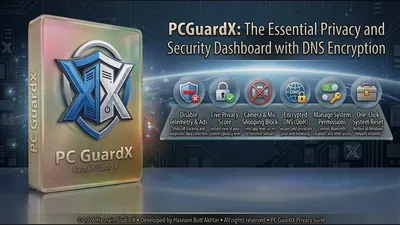
One dashboard for Windows privacy controls
A Windows privacy control center. Switch camera, microphone, location, Bluetooth, telemetry, advertising, and activity history on or off from one dashboard, with ad-domain blocking and encrypted DNS. Every change is local and reversible.
PC Guard Ultra details · Try free on Microsoft Store · PC Guard Ultra privacy policy
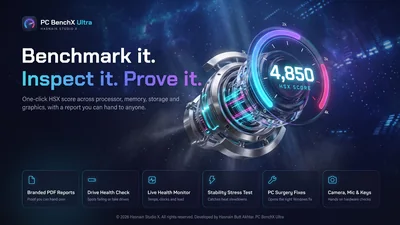
A hardware performance lab for your PC
A benchmark and inspection suite for Windows. Measure the processor, memory, storage, graphics and display, watch every health reading Windows provides, check a second hand PC against what the seller claims, and hold the hardware under sustained load to see whether it keeps its pace. Every test runs on the machine in front of you, and every number is measured there.
PC Benchmark Ultra details · Try free on Microsoft Store · PC Benchmark Ultra privacy policy
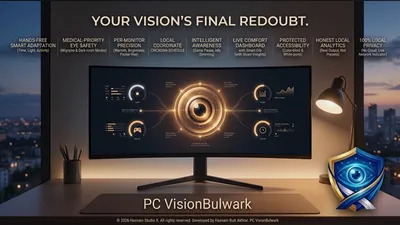
Local display comfort engine for Windows
A fully local display comfort engine for Windows. Adjust colour temperature, brightness curves, and eye-care settings from one dashboard, with no account, no sign-in and all processing on your own device.
PC Screen Comfort Ultra details · Try free on Microsoft Store · PC Screen Comfort Ultra privacy policy
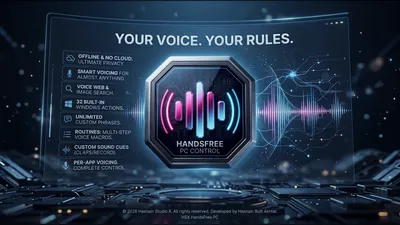
Your voice. Your rules. 32 built-in Windows actions.
A voice-controlled Windows utility, rebranded from PC SenseX. Trigger any of 32 built-in Windows actions, unlimited custom phrases, multi-step voice routines, per-app voicing and custom sound cues, all using on-device speech recognition. The microphone only opens while listening is enabled, and every model runs locally - no cloud speech service is ever used.
PC HandsFree Pro details · Try free on Microsoft Store · PC HandsFree Pro privacy policy
Automated clicking and macros for Windows
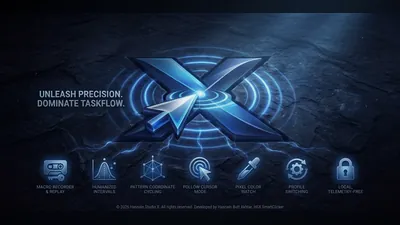
A local-first auto-clicker and macro tool for Windows. Record click sequences and hotkeys, set custom intervals, and automate repetitive tasks. Every profile and macro stays on your own device.
PC Auto Clicker Pro details · Try free on Microsoft Store · PC Auto Clicker Pro privacy policy
Offline automation studio for Windows
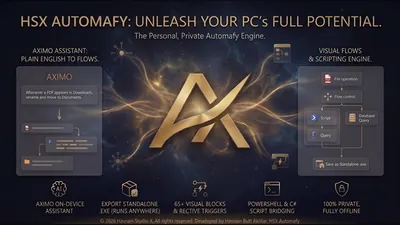
An offline automation studio for Windows. Build flows, define variables and run repeatable tasks on your own machine, with every flow and value stored locally.
Automafy Pro details · Try free on Microsoft Store · Automafy Pro privacy policy
Fully offline focus workspace
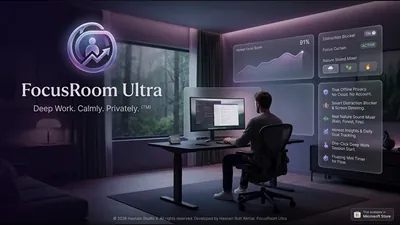
A fully offline focus workspace for Windows. Run timed focus sessions and track your own statistics, with sessions, stats and settings kept entirely on your device.
FocusRoom Ultra details · Try free on Microsoft Store · FocusRoom Ultra privacy policy
USB boot media studio
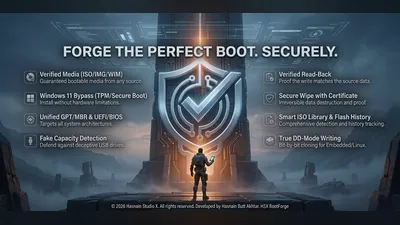
A USB boot media studio for Windows. Write bootable drives from your own disk images and keep a history of what you have created. Images, settings and history stay on-device.
BootForge Pro details · Try free on Microsoft Store · BootForge Pro privacy policy
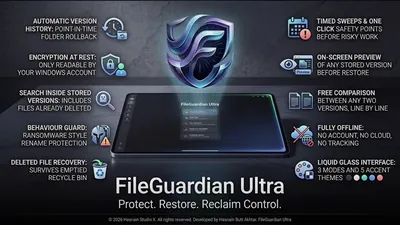
Offline file protection and version history
Offline file protection and version history for Windows. Keeps protected copies and earlier versions of your files on your own storage, with no cloud backup involved.
FileGuardian Ultra details · Try free on Microsoft Store · FileGuardian Ultra privacy policy
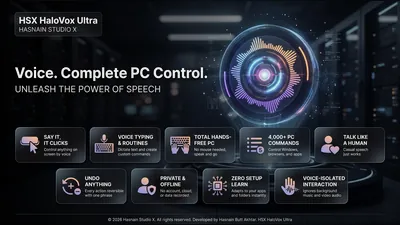
Hands-free control for Windows
Run Windows with your voice. Open any app, setting, folder or bookmark by name, click anything on screen by its name or a number, dictate text, scroll, snap windows into place and record whole routines you can replay with one phrase. Every action can be reversed by saying undo that. Speech is recognised on your PC, nothing is recorded, and there is no account and no cloud.
HaloVox Ultra details · Try free on Microsoft Store · HaloVox Ultra privacy policy
Generate, restyle and upscale on your own GPU
Build elite AI prompts with guided structure
A modern, local-first AI prompt builder for creating high-quality, structured prompts for chat, coding, image generation, and workflow automation - your prompt library stays on device.
PromptKinetics Pro details · Try free on Microsoft Store · PromptKinetics Pro privacy policy
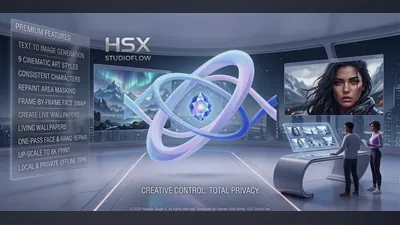
Local AI image studio powered by your own GPU
A local AI image studio for Windows with GPU-accelerated generation. Create, upscale, and batch-export images entirely on your own hardware - no cloud upload, no API keys, no subscription.
StudioFlow AI details · Try free on Microsoft Store · StudioFlow AI privacy policy
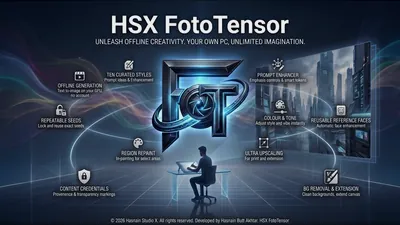
AI portrait and image generation with face enhancement
A Windows AI image studio that generates photos from text prompts and enhances portraits using face processing - all on your own hardware. Your prompts, face photos, and generated images never leave your device.
FotoTensor Pro details · Try free on Microsoft Store · FotoTensor Pro privacy policy
Offline AI image and text-to-art generation studio
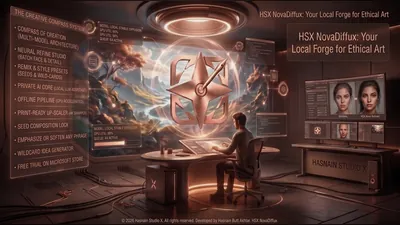
An offline AI image and text-to-art generation studio for Windows. Generation and refinement run on your own GPU, so models, prompts and finished images never leave the machine.
NovaDiffux Studio details · Try free on Microsoft Store · NovaDiffux Studio privacy policy
Local AI design studio with brand kits and batch merge
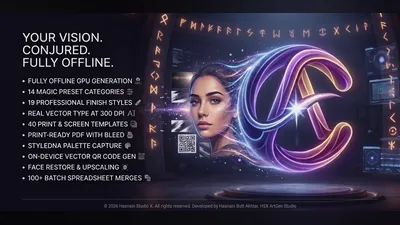
A local-first AI design studio for Windows. Generate artwork from prompts, build reusable brand kits and type pairings, then batch-merge a CSV into print-ready output - every prompt, project and export stays on your own machine.
PC AI Art Studio details · Try free on Microsoft Store · PC AI Art Studio privacy policy
Sixteen makers across five creative lanes, offline
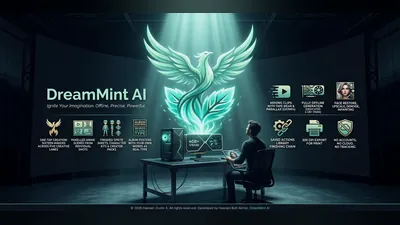
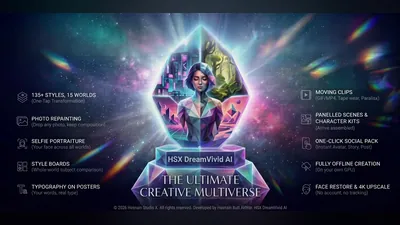
A local-first generative studio for Windows. Sixteen one-tap makers across five creative lanes turn a few words into panelled anime scenes, sprite sheets and character kits, album posters set in real type, and moving clips with tape wear and parallax. A finishing chain handles face restore, upscale, denoise and inpainting, and everything exports at 300 DPI for print - all of it on your own graphics card, with no account and nothing uploaded.
DreamMint AI details · Try free on Microsoft Store · DreamMint AI privacy policy
On-device image and clip generation for Windows
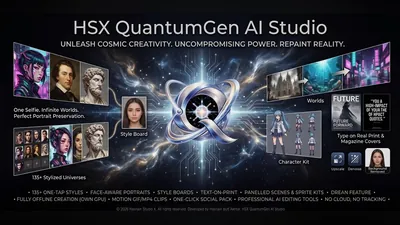
A local-first creative engine for Windows. QuantumGen AI Studio generates images and short clips on your own graphics card, keeps a local library of everything you make, and never sends a prompt or a frame off the device.
QuantumGen AI Studio details · Try free on Microsoft Store · QuantumGen AI Studio privacy policy
High-res image and clip generation on your own GPU
A local-first generative studio for Windows. DreamVivid AI creates high-resolution pictures and clips on your own graphics card and writes them straight to your Pictures folder, with no server, no upload and no account.
DreamVivid AI details · Try free on Microsoft Store · DreamVivid AI privacy policy
Unlimited on-device AI image and clip creation
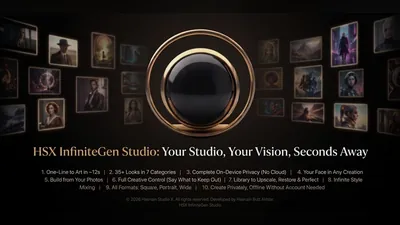
A local-first creative engine for Windows. InfiniteGen Studio generates images and clips on your own graphics card, keeps a local library of everything you make, and never sends a prompt or frame off the device.
InfiniteGen Studio details · Try free on Microsoft Store · InfiniteGen Studio privacy policy
Seventeen photo finishing tools on one local deck
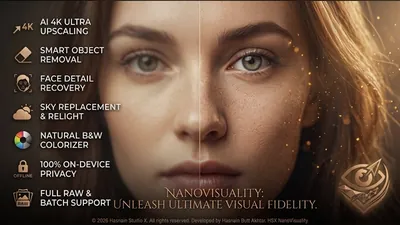
A finishing deck for photographs rather than a single-purpose upscaler. Seventeen tools take a picture all the way to done - upscale, object removal, sky replace, face restore, colourise, exposure merge, document mode and more - with a vault that remembers every result. Everything runs on your own PC, with no account and no upload.
NanoVisuality Pro details · Try free on Microsoft Store · NanoVisuality Pro privacy policy
Offline AI image generator with 4K+ output
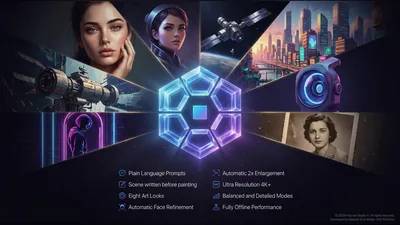
A local-first AI image generator for Windows. Describe a picture in plain language and PixUnica writes the scene out before it paints it, then generates in one of eight art looks with automatic face refinement, 2x enlargement and 4K+ output. Everything runs on your own graphics card.
PixUnica Studio details · Try free on Microsoft Store · PixUnica Studio privacy policy
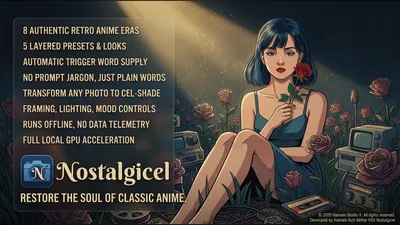
Restore the soul of classic anime, offline
A local-first retro anime image generator for Windows. Work in eight authentic anime eras with five layered preset looks, describe what you want in plain words while the app supplies the trigger words for you, or turn a photograph you already have into cel-shaded artwork. Framing, lighting and mood are controls rather than prompt syntax, and every frame is rendered on your own graphics card.
Nostalgicel Studio details · Try free on Microsoft Store · Nostalgicel Studio privacy policy
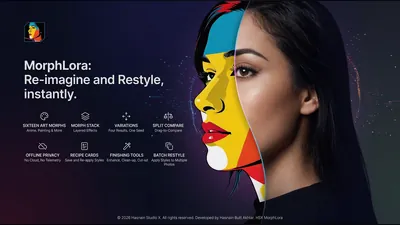
Restyle your photographs into artwork, offline
A local photo restyling tool for Windows. Open a photograph and redraw it in one of sixteen art styles, from anime to painted looks, then stack effects on top of each other, generate four variations from a single seed and drag a slider to compare them against the original. Save a look you like as a recipe card and apply it to a whole folder. Every photograph is redrawn on your own graphics card and neither it nor the result leaves the machine.
MorphLora Studio details · Try free on Microsoft Store · MorphLora Studio privacy policy
Chat, write, browse and work with documents, privately
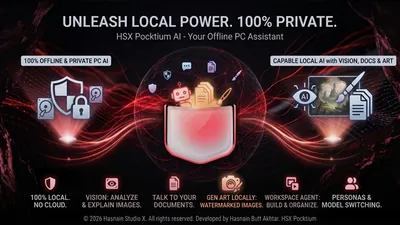
Chat, documents, and images with local AI
A Windows app that runs AI models entirely on your own machine. Chat with a local language model, ask questions over your own documents, and generate images. Nothing you type, index, or create ever leaves your device.
Pocktium AI details · Try free on Microsoft Store · Pocktium AI privacy policy
Private browsing, with AI that runs on your own PC
A privacy-first Windows browser that reads pages for you. Summarise a long article in seconds, pull out the points that matter, rewrite a passage in a different tone or draft something new, compare two pages side by side, and let research mode assemble a report from a session. Every one of those features runs on a model installed on your own machine, so the page you are reading is never uploaded anywhere. Underneath it is still a browser built for privacy: ad and tracker blocking, anti-fingerprinting, leak protection, HTTPS-only mode and secure DNS, with no account and no telemetry.
PC AI Browser Ultra details · Try free on Microsoft Store · PC AI Browser Ultra privacy policy
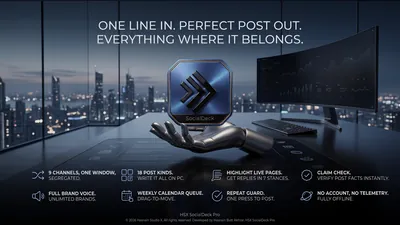
One line in, a finished post for every channel out
A social composer for Windows that writes on your own machine. Type one line about what you want to say, and it produces the post properly shaped for each of nine channels, in eighteen different post kinds, in the brand voice you defined. Queue a week of them on a calendar you drag things around, check a claim before you commit to it, and answer a live page in any of seven stances. It never publishes anything for you: you press once, the platform opens, and you post it yourself. The model that does the writing is a file installed with the app, so no draft ever leaves the PC.
SocialDeck Pro details · Try free on Microsoft Store · SocialDeck Pro privacy policy
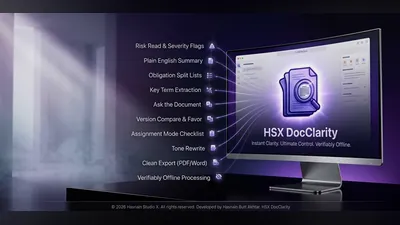
On-device AI document analysis and clarity tool
A Windows AI document tool that analyses and clarifies your documents entirely on-device. Your files are read by a local on-device model, and nothing is ever transmitted to external servers.
DocClarity Pro details · Try free on Microsoft Store · DocClarity Pro privacy policy
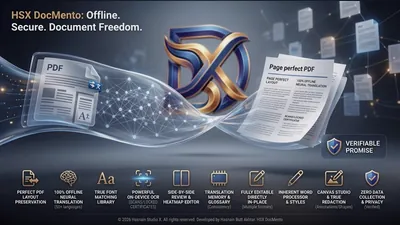
Offline PDF, document translation and 300 DPI canvas studio
An offline document translation, review, and publishing app for Windows. Import, OCR, detect language, and translate documents using local neural models. Your documents and translations never leave your PC.
DocMento Pro details · Try free on Microsoft Store · DocMento Pro privacy policy
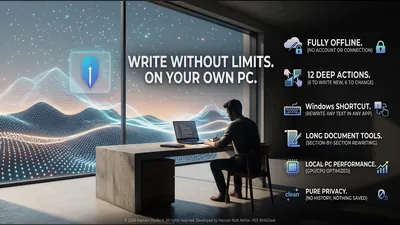
Offline writing desk that rewrites on your own PC
A local-first writing desk for Windows. Draft new text or reshape text you already have - shorten it, expand it, change its tone - with twelve deep actions, a system-wide shortcut that rewrites whatever you have selected in any application, and section-by-section tools for long documents. Everything runs on your own CPU and graphics card.
WriteDesk Pro details · Try free on Microsoft Store · WriteDesk Pro privacy policy
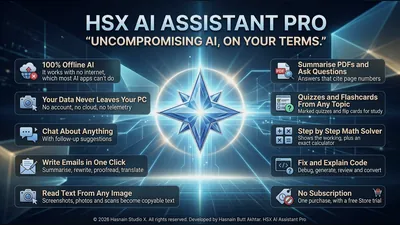
Private AI that lives on your PC
An AI assistant that runs entirely on your PC. Chat about anything with follow-up suggestions, write and rewrite emails, explain, fix and generate code, work through maths step by step, study with marked quizzes and flashcards, read the text and detail in a picture, and ask questions of a PDF with answers that cite page numbers. The model works on your own hardware, the app makes no internet connections, and there is no account to create.
PC AI Assistant Pro details · Try free on Microsoft Store · PC AI Assistant Pro privacy policy
Spatial sound, enhancement and music making
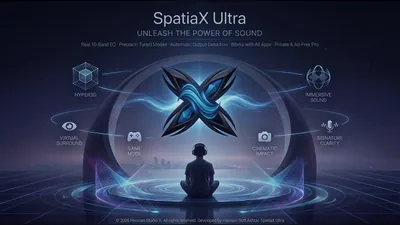
Real-time 3D spatial audio engine for Windows
A premium real-time audio engine that transforms your headphone or speaker experience with 3D spatial sound, signature profiles, and pro-grade DSP - all running locally with zero latency compromise.
SpatiaX Ultra details · Try free on Microsoft Store · SpatiaX Ultra privacy policy
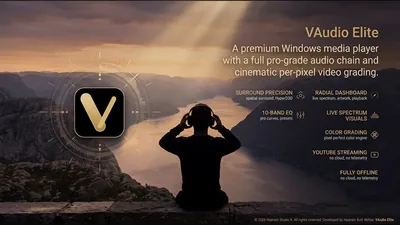
Media player with spatial audio and visualizers
A Windows desktop media player with integrated spatial audio enhancement, equalizer, cinematic video filters, and reactive visualizers - all processed locally.
VAudio Elite details · Try free on Microsoft Store · VAudio Elite privacy policy
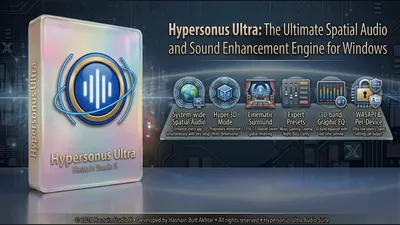
Cinematic surround, Hyper 3D, and 10-band EQ for every app
Real-time WASAPI audio engine that intercepts every app on your PC simultaneously, with no per-app setup. Four modes: Stereo, Surround, Spatial, and Hyper 3D. Ten-band EQ with expert presets (Music, Gaming, Cinema, Night Mode, Bass Boost, Clarity), 20ms latency with optional 10ms, and per-device profiles saved entirely on-device. No cloud, no account, zero telemetry.
Hypersonus Ultra details · Try free on Microsoft Store · Hypersonus Ultra privacy policy
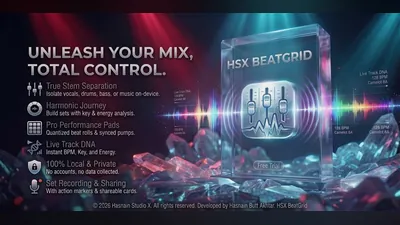
Local DJ mixing studio
A DJ mixing studio that runs entirely on your PC. Load your own library, mix across decks and record your sets locally. Tracks, library and recordings never leave the machine.
BeatGrid Studio details · Try free on Microsoft Store · BeatGrid Studio privacy policy
Edit, record, convert and create video
Convert audio, video, images, and PDFs locally
A modern, local-first media toolkit for fast, high-quality conversion across audio, video, images, PDFs, and transcription workflows - all processed on your device.
PC Media Converter Pro details · Try free on Microsoft Store · PC Media Converter Pro privacy policy
Streaming hub + media player with cinematic grade & DSP engines
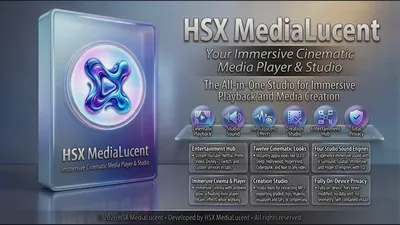
An all-in-one Windows entertainment hub. Built-in streaming tabs for YouTube, Netflix, Spotify, Prime Video, Disney+, and Twitch. Twelve cinematic color grade looks, four DSP engines (V Surround, Spatial, Immersive, Hyper 3D), 10-band EQ, Cinema Mode with ambient glow, and a floating mini-player. Offline Studio: extract MP3, export enhanced video, bake color grades, render visualizer videos, make GIFs, and compress footage, all locally with no cloud upload.
MediaLucent Pro details · Try free on Microsoft Store · MediaLucent Pro privacy policy
Convert documents, images, video and audio locally
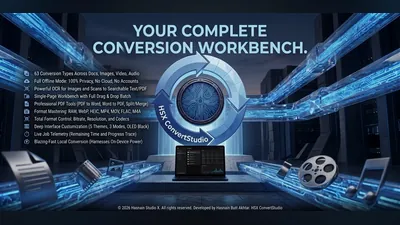
A local-first file conversion suite for Windows. Convert documents, images, video, and audio between formats entirely on your own PC, with no cloud upload, no accounts and no subscription. Your files never leave your machine.
ConvertStudio Pro details · Try free on Microsoft Store · ConvertStudio Pro privacy policy
Local-first creative studio for Windows
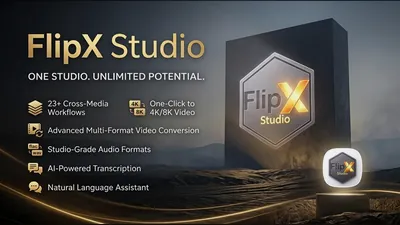
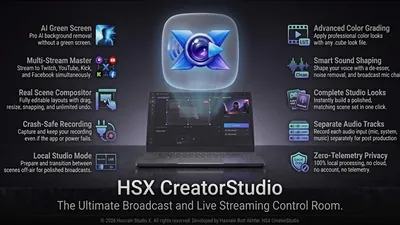
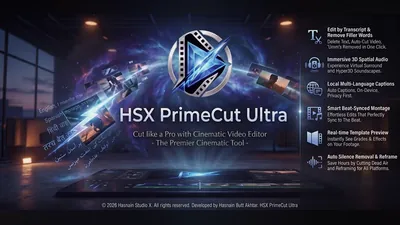
PC Stream Studio Ultra is a local-first creative production suite for Windows built by Hasnain Studio X. All processing happens on your own device, with no cloud upload, no accounts and zero telemetry.
PC Stream Studio Ultra details · Try free on Microsoft Store · PC Stream Studio Ultra privacy policy
Local video editor: decode, edit, grade and export on-device
A local video editor for Windows. Decoding, editing, color grading and encoding all run on your own PC. Your footage is only touched when you import or export it, and is never uploaded anywhere.
PC Video Editor Ultra details · Try free on Microsoft Store · PC Video Editor Ultra privacy policy
Sound-triggered camera and voice recorder
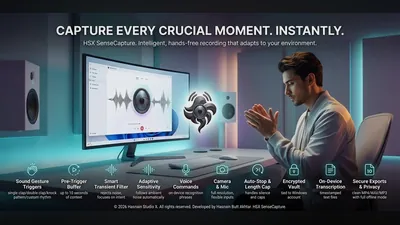
A sound-triggered camera and voice recorder for Windows. The microphone and camera are used only to detect your chosen trigger and to make the recordings you asked for. Everything it hears, sees and saves stays on your PC.
SenseCapture Pro details · Try free on Microsoft Store · SenseCapture Pro privacy policy
Drawing and animation studio
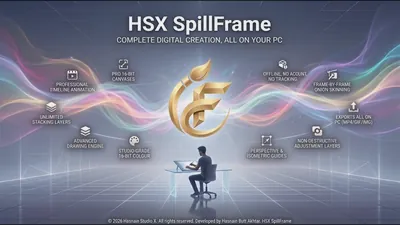
A drawing and animation studio for Windows. Sketch, build frames and export finished animation with every project file held on your own disk.
SpillFrame Studio details · Try free on Microsoft Store · SpillFrame Studio privacy policy
Record your screen and turn it into a step guide
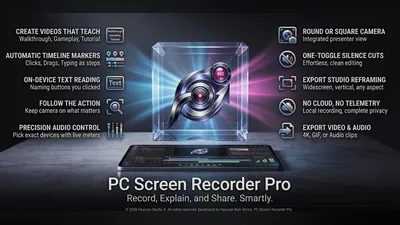
A local-first screen recorder for Windows. Capture screen and audio, mark chapters as you go, grab still frames, then export an edited video, a looping clip, an audio-only file or a written step guide - all rendered on your own machine.
PC Screen Recorder Pro details · Try free on Microsoft Store · PC Screen Recorder Pro privacy policy
Edit, restore, organise and add depth to pictures
Organise, edit, and export photos and videos
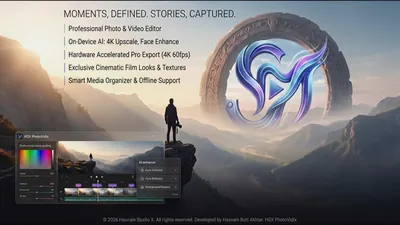
A Windows app for organising, editing, and exporting photos and videos in one local library. Zero upload policy: your media never leaves your machine, and no model is ever trained on it.
PhotoVidix Pro details · Try free on Microsoft Store · PhotoVidix Pro privacy policy
Local photo editor with on-device AI tools
A Windows photo editor with integrated on-device AI tools. Every edit and every AI enhancement runs locally on your own PC. Your photos are never uploaded, shared or used for training.
PC Photo Editor Ultra details · Try free on Microsoft Store · PC Photo Editor Ultra privacy policy
Turn photos into 3D relief meshes, locally
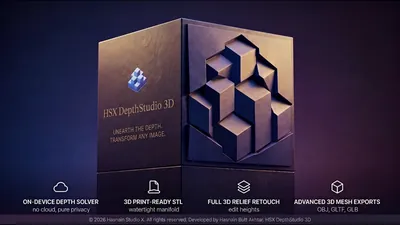
A Windows app that converts your photographs into 3D relief meshes. Depth is solved, the mesh is built, the surface is lit, and every file is exported entirely on your own PC, with no cloud upload and no accounts.
DepthStudio 3D details · Try free on Microsoft Store · DepthStudio 3D privacy policy
Find duplicate photos and reclaim disk space
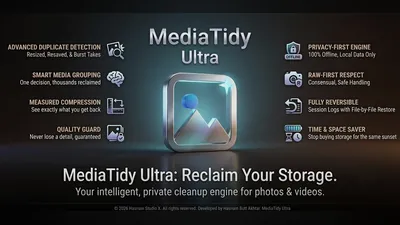
A local-first photo and video librarian for Windows. Scan the folders you choose, spot duplicates and near-duplicates, compress what is oversized, and undo any run from the local session log - your pictures never leave the PC.
MediaTidy Ultra details · Try free on Microsoft Store · MediaTidy Ultra privacy policy
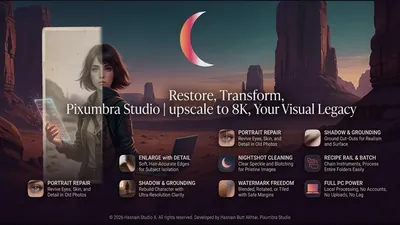
Batch photo workroom with cutout, repair and recipes
A picture workroom for anyone with a folder of images and a deadline. Fourteen instruments sit on one page - cutout, enlarge, portrait repair, clean, shadow, watermark, compress and convert - and any of them can be chained into a recipe and run across ten thousand files unattended. Every picture is read, worked on and written on your own device.
Pixumbra Studio details · Try free on Microsoft Store · Pixumbra Studio privacy policy
Send between devices, archive, download and convert
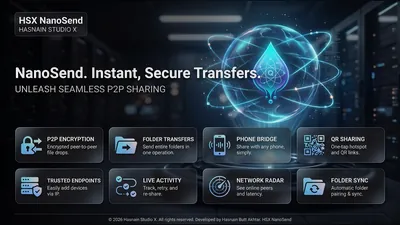
Fast local file sharing over Wi-Fi - no cables
A fast, local file-sharing utility for Windows devices on the same Wi-Fi network. Drag, drop, and transfer files in seconds - no cloud, no cables, no accounts required.
NanoSend Pro details · Try free on Microsoft Store · NanoSend Pro privacy policy
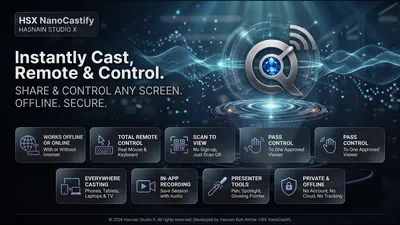
Mirror your PC screen to a phone or TV
Screen mirroring and remote control for Windows. A viewer scans a QR code and your screen opens in their browser - no app to install, no account to create and no cloud service in the middle. Share one window or a whole monitor, hand over mouse and keyboard when you want to, and take control back instantly.
NanoCastify Pro details · Try free on Microsoft Store · NanoCastify Pro privacy policy
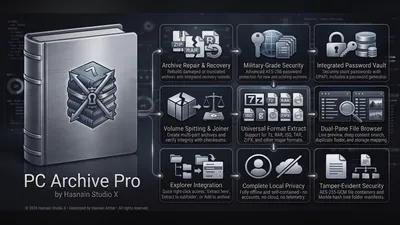
Local archive manager for Windows: zip, extract and encrypt
A local-first archive manager for Windows. Extract, compress, encrypt, hash, and search archives entirely on your own PC. Files are only touched when you choose them or drop them in, with no background scanning and no data sent anywhere.
PC Archive Pro details · Try free on Microsoft Store · PC Archive Pro privacy policy
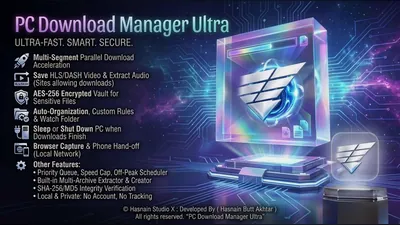
Segmented, resumable download manager for Windows
A fast, local download manager for Windows with segmented downloading, resuming, hashing, and archive extraction, all handled on your own machine, with network access used only to fetch the files you ask for.
PC Download Manager Ultra details · Try free on Microsoft Store · PC Download Manager Ultra privacy policy
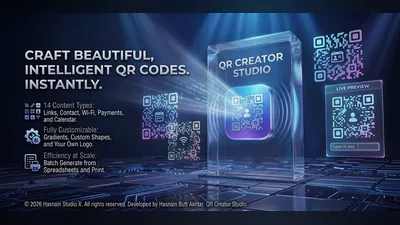
Local QR studio with saved styles
A local QR code studio for Windows. Design styled codes, keep a history of what you have made and reuse saved styles, all held on your device with no account and no cloud sync.
QR Creator Studio details · Try free on Microsoft Store · QR Creator Studio privacy policy
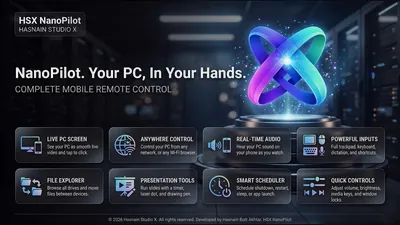
Control your PC from your phone
Run your Windows PC from your phone. Pair HSX NanoKnot once and see the live screen, tap to click, type, dictate and fire shortcuts, browse and send files, and control media, volume and power - from the sofa or from anywhere. Every phone needs your approval at the PC, everything travels encrypted between your own devices, and there is no account to create.
NanoPilot Pro details · Try free on Microsoft Store · NanoPilot Pro privacy policy
Earth, space, worlds and games you build yourself
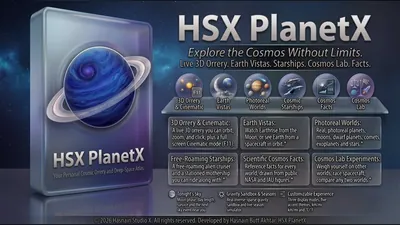
Living atlas of the universe for Windows
A living atlas of the universe for Windows. Explore planets, stars, and deep-space objects entirely offline, with no account, no sign-in and all data stored locally on your device.
PlanetX details · Try free on Microsoft Store · PlanetX privacy policy
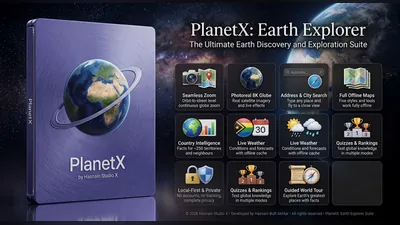
Interactive 3D Earth globe for Windows
An interactive 3D Earth globe for Windows. The day/night line, moon phase, and geography are all rendered locally on your PC, with network access used only for weather, place search, and optional online map detail you request.
PlanetX: Earth Explorer details · Try free on Microsoft Store · PlanetX: Earth Explorer privacy policy
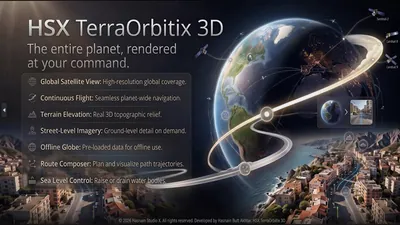
Orbit-to-street 3D globe and Earth explorer
A full-screen Earth explorer for Windows. Fly from orbit down to street scale on real satellite imagery draped over real terrain elevation, with true solar geometry driving the day and night line. No account and no tracking - map squares are requested by coordinate only.
TerraOrbitix 3D details · Try free on Microsoft Store · TerraOrbitix 3D privacy policy
Explore an entire solar system, simulated locally
A solar system explorer for Windows. Orbits, rendering, physics, voice callouts and progression are all computed locally on your PC. Photo mode saves images straight to your own Pictures folder, and the only network use is an optional live weather layer.
PlanetX: Infinity details · Try free on Microsoft Store · PlanetX: Infinity privacy policy
The unified gaming hub for Windows, every library in one view
A unified game launcher for Windows. Steam, Xbox, Epic and GOG libraries are read from your own PC and brought into one cinematic dashboard, with custom cover art, instant search, play insights and live hardware readings. None of it leaves the machine.
LaunchHarbor Pro details · Try free on Microsoft Store · LaunchHarbor Pro privacy policy
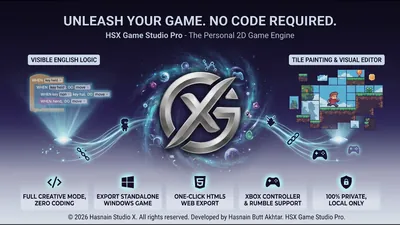
The visual 2D game maker for Windows
Make real, playable 2D games without writing code. Drag objects into a level, stack logic blocks to give them behaviour, and the engine handles the programming. Start from a guided first game or one of the starter kits, from platformers and dungeon crawls to karts and tower defence, play-test instantly and export to the web. Everything runs on your PC, with no account and your projects never leaving your machine.
GameFabrix Studio details · Try free on Microsoft Store · GameFabrix Studio privacy policy
Office, web, packaging and code on your own machine
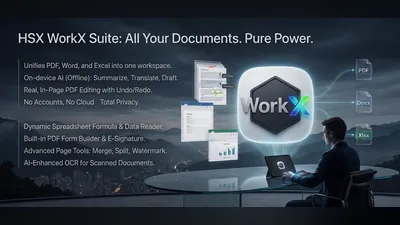
PDF, Word, and spreadsheets - all fully local
A modern, local-first productivity suite for creating, editing, and managing PDFs, Word documents, and spreadsheets with fast performance and a privacy-focused workflow.
PC Office Suite Pro details · Try free on Microsoft Store · PC Office Suite Pro privacy policy
Visual drag-and-drop website builder for Windows
A Windows desktop visual website builder. Design pages on a drag-and-drop canvas and export clean HTML, CSS, and JavaScript - no subscriptions, no cloud uploads, no accounts. Publish directly to Netlify, GitHub, or FTP when you are ready.
Web Builder Studio details · Try free on Microsoft Store · Web Builder Studio privacy policy
Drag-and-drop Windows app creator
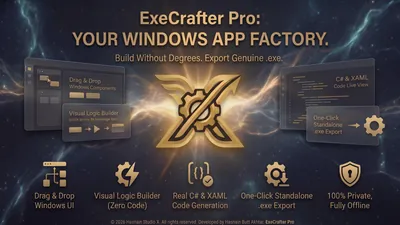
A local drag-and-drop app creator for Windows. Lay out an interface visually and generate the code for it on your own machine. Projects and generated code stay on your disk.
ExeCrafter Pro details · Try free on Microsoft Store · ExeCrafter Pro privacy policy
Private code and creation studio for Windows
A code and creation studio that works inside the folder you open on your own PC. Every session, every file change and every extension you build is written as a plain file you can read, edit or delete yourself. No account, no telemetry, nothing reported back.
NanoCodify AI details · Try free on Microsoft Store · NanoCodify AI privacy policy