Audio and video apps for Windows
Playback, spatial sound, capture, recording and editing. The common thread is that the processing happens on your own CPU or GPU rather than on a server you upload to and wait for.
Why these run on your own machine
For anyone working with footage or long recordings, that is a practical difference before it is a privacy one. Media files are large. Uploading an hour of video to be processed and downloading it again costs more time than the processing itself, and it puts an unreleased edit on someone else’s disk. Local processing removes both problems at once.
What to check before you buy anything in this category
- Whether your files leave the machine
- Any tool that processes in the cloud has a copy of your footage for as long as the job runs, and often longer.
- What formats it will still open in five years
- Playback and conversion tools are worth keeping. A tool tied to a service is only as durable as the service.
- Whether there is a watermark or an export limit
- A trial that watermarks output is fine. A purchase that still limits exports is not.
11 audio & video applications available now
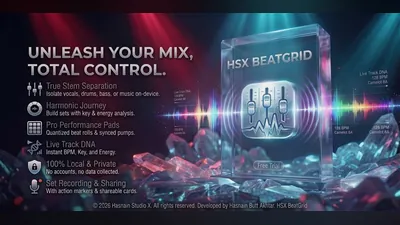 HSX BeatGrid
Windows
Local DJ mixing studio
Twin-deck mixing with crossfade
Reads your own local music library
Record sets straight to disk
Full details
HSX BeatGrid
Windows
Local DJ mixing studio
Twin-deck mixing with crossfade
Reads your own local music library
Record sets straight to disk
Full details
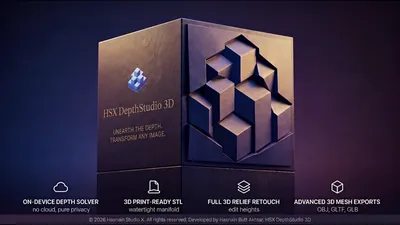 HSX DepthStudio 3D
Windows
Turn photos into 3D relief meshes, locally
Photo-to-3D relief mesh conversion on-device
Adjustable mesh density and lighting preview
Export straight to your own files, nothing uploaded
Full details
HSX DepthStudio 3D
Windows
Turn photos into 3D relief meshes, locally
Photo-to-3D relief mesh conversion on-device
Adjustable mesh density and lighting preview
Export straight to your own files, nothing uploaded
Full details
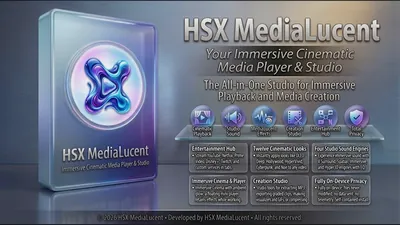 HSX MediaLucent
Windows
Streaming hub + media player with cinematic grade & DSP engines
Streaming hub: YouTube, Netflix, Spotify, Prime Video, Disney+, Twitch
12 cinematic color grades + 4 DSP audio engines including Hyper 3D
Cinema Mode with ambient glow and floating mini-player
Full details
HSX MediaLucent
Windows
Streaming hub + media player with cinematic grade & DSP engines
Streaming hub: YouTube, Netflix, Spotify, Prime Video, Disney+, Twitch
12 cinematic color grades + 4 DSP audio engines including Hyper 3D
Cinema Mode with ambient glow and floating mini-player
Full details
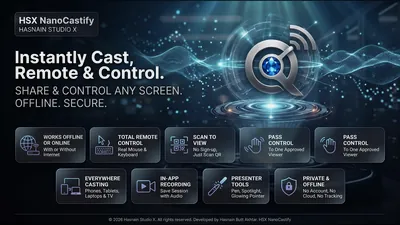 HSX NanoCastify
Windows
Mirror your PC screen to a phone or TV
Viewers join by scanning a code - it opens in their browser, nothing to install
Share a single window or a whole monitor, and switch displays mid-session
Privacy pause freezes the broadcast behind a clean screen while you type a password
Full details
HSX NanoCastify
Windows
Mirror your PC screen to a phone or TV
Viewers join by scanning a code - it opens in their browser, nothing to install
Share a single window or a whole monitor, and switch displays mid-session
Privacy pause freezes the broadcast behind a clean screen while you type a password
Full details
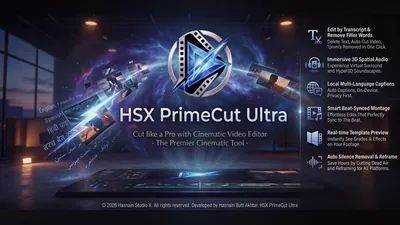 HSX PrimeCut Ultra
Windows
Local video editor: decode, edit, grade and export on-device
Import, edit, grade and export video entirely on-device
Decoding and encoding run locally on your PC
Footage never uploaded or transmitted externally
Full details
HSX PrimeCut Ultra
Windows
Local video editor: decode, edit, grade and export on-device
Import, edit, grade and export video entirely on-device
Decoding and encoding run locally on your PC
Footage never uploaded or transmitted externally
Full details
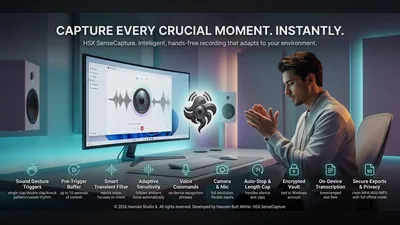 HSX SenseCapture
Windows
Sound-triggered camera and voice recorder
Sound-triggered photo and audio/video capture
Configurable trigger sensitivity and cooldown
Recordings never leave your device
Full details
HSX SenseCapture
Windows
Sound-triggered camera and voice recorder
Sound-triggered photo and audio/video capture
Configurable trigger sensitivity and cooldown
Recordings never leave your device
Full details
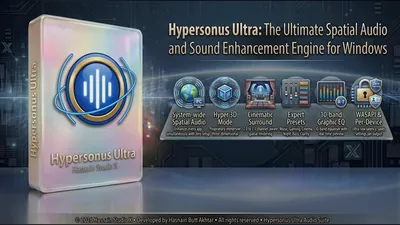 Hypersonus Ultra
Windows
Cinematic surround, Hyper 3D, and 10-band EQ for every app
System-wide WASAPI interception that enhances every app at once
Hyper 3D and Spatial audio modes for cinematic immersion
10-band EQ with expert presets: Gaming, Cinema, Night Mode
Full details
Hypersonus Ultra
Windows
Cinematic surround, Hyper 3D, and 10-band EQ for every app
System-wide WASAPI interception that enhances every app at once
Hyper 3D and Spatial audio modes for cinematic immersion
10-band EQ with expert presets: Gaming, Cinema, Night Mode
Full details
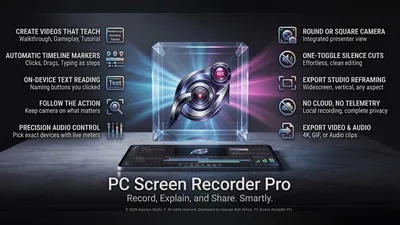 PC Screen Recorder Pro
Windows
Record your screen and turn it into a step guide
Screen and audio capture with chapters and markers
Automatic step lists turned into written guides
Still-frame capture during a recording
Full details
PC Screen Recorder Pro
Windows
Record your screen and turn it into a step guide
Screen and audio capture with chapters and markers
Automatic step lists turned into written guides
Still-frame capture during a recording
Full details
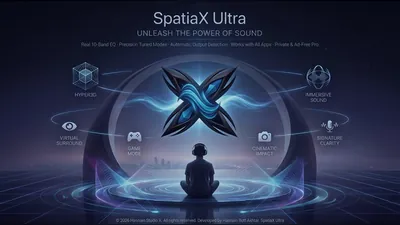 SpatiaX Ultra
Windows
Real-time 3D spatial audio engine for Windows
3D spatial surround for headphones and speakers
Profiles for gaming, music, movies, and calls
Smart audio routing and device selection
Full details
SpatiaX Ultra
Windows
Real-time 3D spatial audio engine for Windows
3D spatial surround for headphones and speakers
Profiles for gaming, music, movies, and calls
Smart audio routing and device selection
Full details
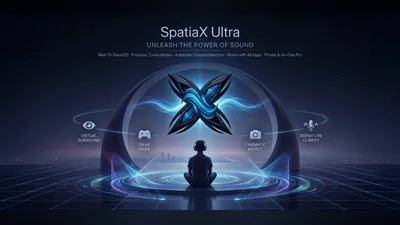 SpatiaX Ultra Mobile
Android
System-wide spatial sound and a 10-band equaliser
Hyper3D spatial modes: Hyper Wide, Hyper Front and Hyper Hall
UltraBass modes: Deep Sub and Punch
Crystal clarity modes: Vocal Focus and Air Lift
Full details
SpatiaX Ultra Mobile
Android
System-wide spatial sound and a 10-band equaliser
Hyper3D spatial modes: Hyper Wide, Hyper Front and Hyper Hall
UltraBass modes: Deep Sub and Punch
Crystal clarity modes: Vocal Focus and Air Lift
Full details
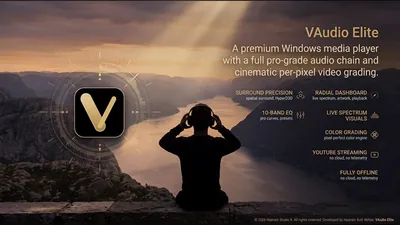 VAudio Elite
Windows
Media player with spatial audio and visualizers
Spatial audio enhancement for headphones and speakers
Built-in equalizer with cinema, music, and voice presets
Reactive audio visualizers with multiple styles
Full details
VAudio Elite
Windows
Media player with spatial audio and visualizers
Spatial audio enhancement for headphones and speakers
Built-in equalizer with cinema, music, and voice presets
Reactive audio visualizers with multiple styles
Full details
Questions about audio & video apps
Are exported files watermarked?
No. Once an application is purchased, what it produces is a clean file with no watermark and no export limit.
Do these apps upload my footage anywhere?
No. Conversion, capture and editing all run on your own hardware. There is no upload step, which is also why large files are not slow to work with.
Is spatial audio supported on any headphones?
The spatial audio range works with ordinary stereo headphones and speakers. Each application explains what it supports on its own page.
Can I use these commercially?
Yes. A purchased licence covers the work you produce with it.
Other parts of the catalogue
Full Windows catalogue · Android catalogue · Privacy policies · About the studio
Hasnain Studio X™ is a trade mark of Hasnain Studio X. Product names shown on this page are trademarks of Hasnain Studio X.