WorkX Suite
PDFs, documents and spreadsheets, with an offline Copilot
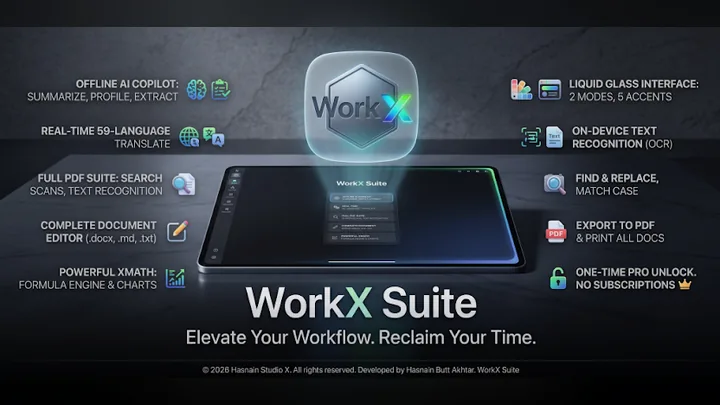
WorkX Suite puts XPDF for PDFs, XDOC for writing and XMATH for spreadsheets under one interface, with an AI Copilot that works on the device. Read, write, calculate and translate without your files leaving your phone.
Free on Google Play, with an optional one-time Pro unlock. There is no subscription and no account to keep it working. Genuine copies are published only on Google Play.
What WorkX Suite does
- XPDF: read, search, share and print PDFs, including scanned pages
- XDOC: edit .docx, .txt and .md, and export to PDF
- XMATH: .xlsx and .csv with a real formula engine and charts
- Translate a whole document on the device, in 59 languages
- Offline Copilot: summaries, key points, tasks, dates and amounts
- Adaptive layout for phone, tablet and Chromebook
Your first hour with WorkX Suite
A short plan for finding out quickly whether it suits you.
Install it free
Get WorkX Suite from Google Play. The free version is enough to see whether it suits you.
Use your own work
Try it on your own phone and real tasks rather than a quick look around. That is the only test that tells you whether it earns its place.
Try this
XPDF: read, search, share and print PDFs, including scanned pages
Try this
XDOC: edit .docx, .txt and .md, and export to PDF
Try this
XMATH: .xlsx and .csv with a real formula engine and charts
Decide on Pro
If the free version earns its place, the optional Pro unlock is a single purchase on Google Play, with no subscription.
WorkX Suite on screen
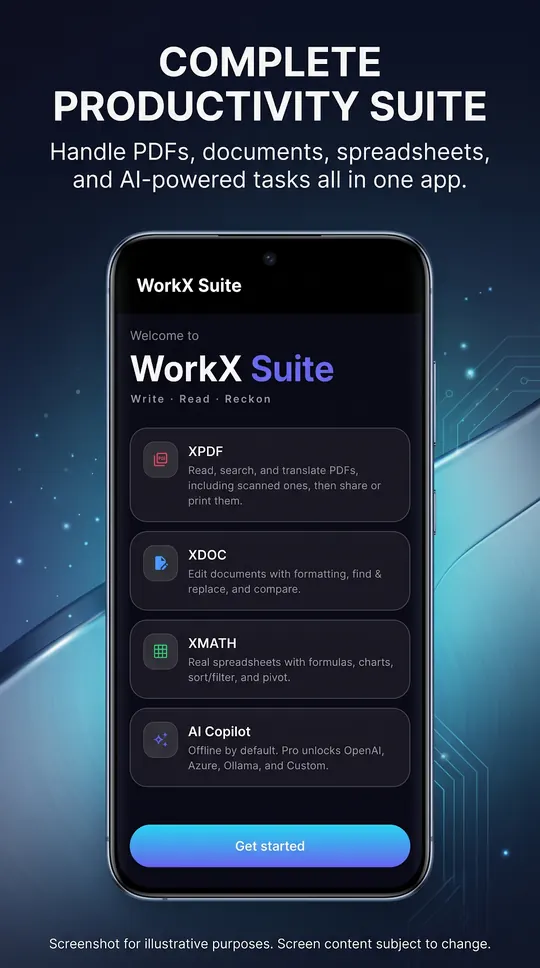
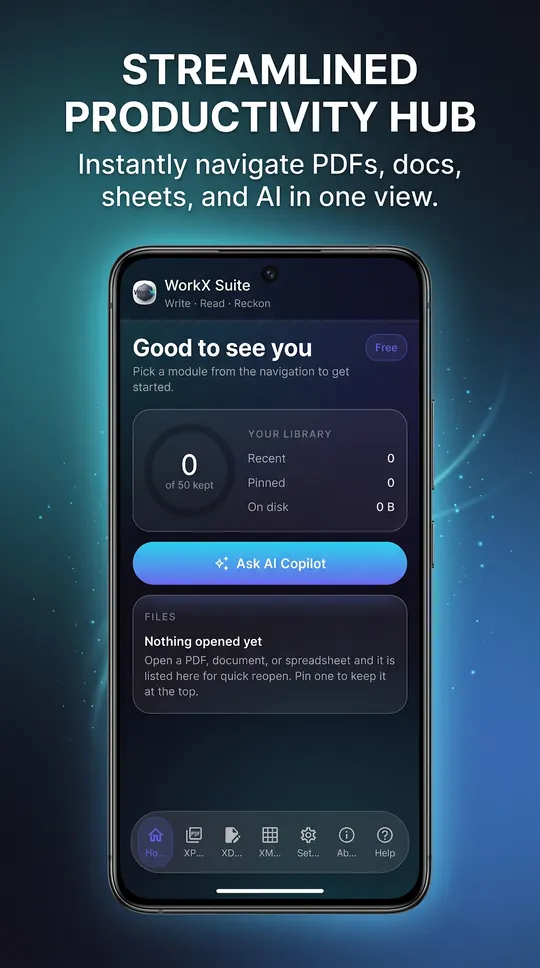
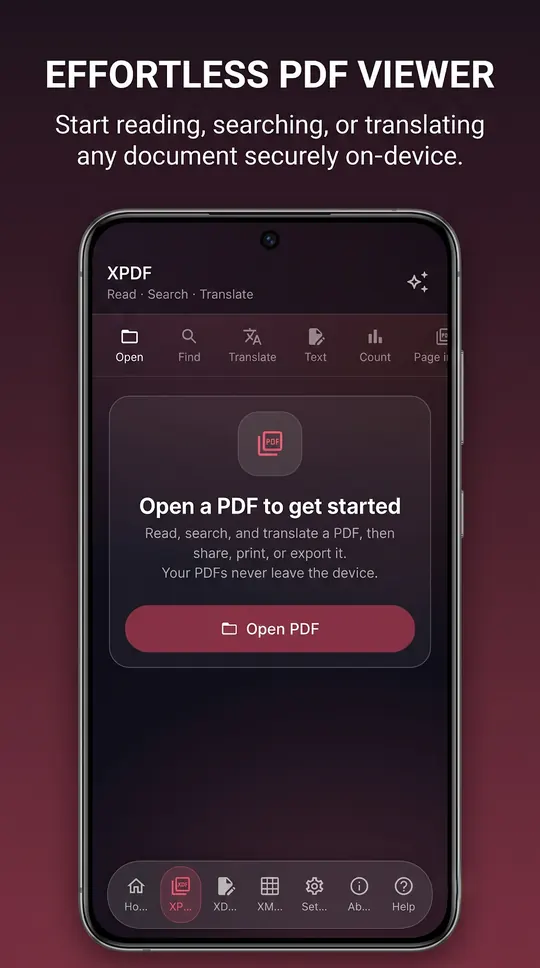
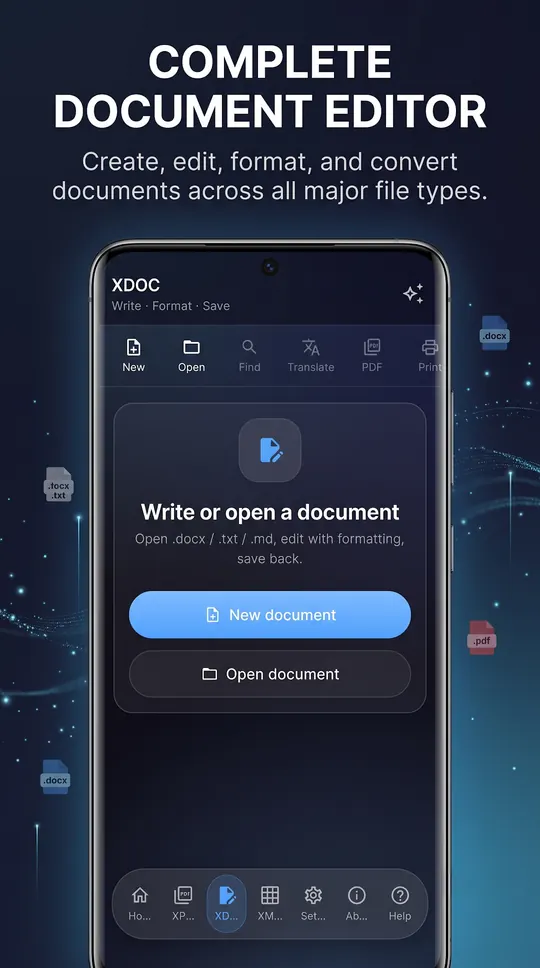
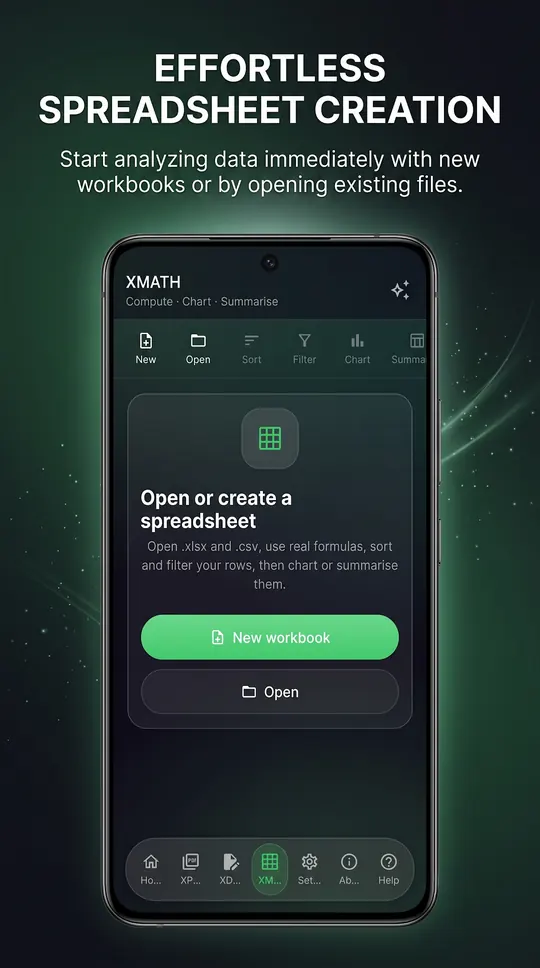
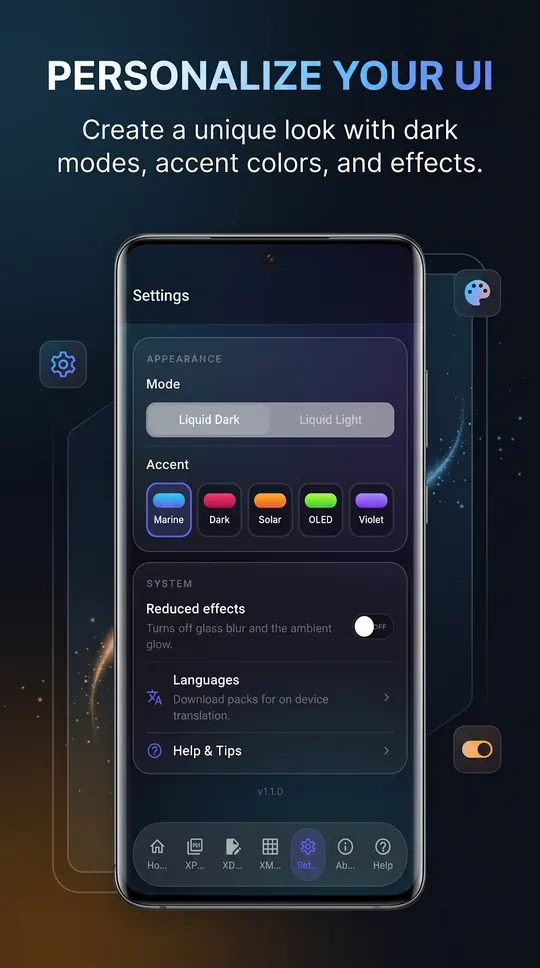
WorkX Suite running on Android, captured from the application itself.
Inside WorkX Suite
XPDF: read any PDF
Open a PDF at any zoom, search inside it, and share or print it. Scanned pages are read with text recognition on the phone, so searching, counting and translating work on paperwork with no selectable text.
XDOC: write and save back cleanly
Edit .docx, .txt and .md with headings, bold, italic and underline, find and replace across the document, and export to PDF or print. Saving back to .docx leaves every other part of the file untouched.
XMATH: spreadsheets with real formulas
SUM, AVERAGE, MIN, MAX, COUNT, IF, ROUND, CONCAT and TEXTJOIN over cells and ranges. Sort, filter, format numbers, chart any two columns and group into a summary, with undo and redo across every edit. Numbers stay numbers and formulas stay formulas when you save back to .xlsx.
A Copilot that stays on the phone
The Copilot works on whatever is open: it summarises a document from its own most representative sentences, lists what reads as a task, pulls out emails, links, dates and amounts, scores reading ease, and profiles a spreadsheet column by column. Whole documents translate on the phone in 59 languages once the language packs are downloaded.
Who it is for
WorkX Suite is built for freelancers, students and journalists tired of paying a cloud subscription to open their own files.
It sits in the creative & documents part of the catalogue, and your documents never leave the phone to be processed. There is no server behind WorkX Suite to send them to.
Local-first, by design
Plenty of the alternatives send your documents to a server to be handled. WorkX Suite does not. Processing runs on your phone’s own processor, and the documents and spreadsheets you open stay where you put them. The editors, text recognition, translation and the Copilot run on your phone. A connection is used once to download translation language packs, for the optional online AI providers with Pro, and for the ads and the Pro purchase check.
That is not a setting you enable, it is how WorkX Suite is built, which is why there is no account to create and no subscription to lapse. Full detail is in the WorkX Suite privacy policy.
Free and Pro
WorkX Suite is free on Google Play. Every module, all three editors and the offline Copilot, with ads.
A one-time Pro unlock, with no subscription, adds:
- No ads
- Connect the Copilot to an AI account you already pay for
Pro is not an AI subscription. You bring an account you already have, and the app never resells access.
The free version shows ads served by Google AdMob. Google may use your device’s Advertising ID under its own policies. Hasnain Studio X does not receive or store it. Buying Pro removes all ads.
What it asks your phone for
Android shows these when you install or first use a feature. Each one is used for the reason given, and for nothing else.
- Network
- to download translation language packs, for the optional online AI providers with Pro, and for the ads and the Pro purchase check
- Advertising ID
- for the AdMob ads in the free version
Technical details
- Platform
- Android 7.0 or later
- Distribution
- Google Play
- Availability
- Available now
- Licence
- Free, optional one-time Pro
- Network required
- Offline, after a one-time language download
- Account required
- None
- Telemetry
- None. Free version shows ads
- Publisher
- Hasnain Studio X
- Developer
- Hasnain Butt Akhtar
Questions
Does WorkX Suite need an internet connection?
The editors, text recognition, translation and the Copilot run on your phone. A connection is used once to download translation language packs, for the optional online AI providers with Pro, and for the ads and the Pro purchase check.
Does WorkX Suite require an account?
No. There is no registration, no sign-in and no online identity. You install the app and use it.
What data does WorkX Suite collect?
Hasnain Studio X collects nothing: there is no account, no analytics and no crash reporting that leaves your phone, and your documents are never uploaded. The free version shows ads served by Google AdMob. Google may use your device’s Advertising ID under its own policies. Hasnain Studio X does not receive or store it. Buying Pro removes all ads. The full detail is in the WorkX Suite privacy policy.
Is WorkX Suite a subscription?
No. WorkX Suite is free on Google Play, with an optional one-time Pro unlock. There is no recurring fee.
Which versions of Android does it support?
Android 7.0 or later.
Related applications
More of the same kind of tool is listed on document and design apps for Windows.
Get WorkX Suite
Available now on Google Play. It is free, and a single optional purchase unlocks Pro for good, with no subscription and no account.
WorkX Suite privacy policy · Support and bug reports · Documents & design apps · Full catalogue
WorkX Suite™ is a trademark of Hasnain Studio X. Hasnain Studio X™ is a trade mark of Hasnain Studio X.