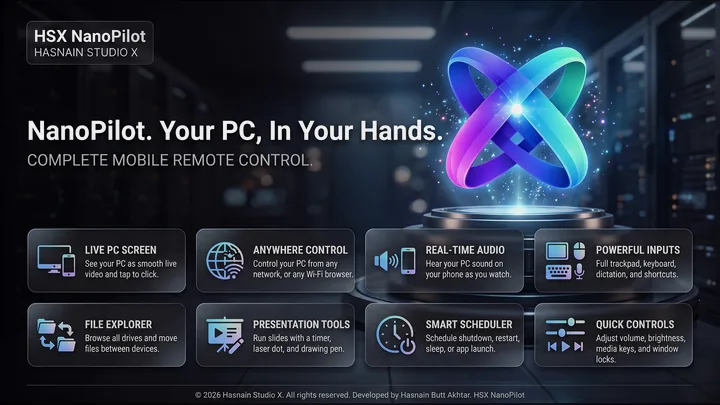
HSX NanoPilot
Control your PC from your phone
Run your Windows PC from your phone. Pair HSX NanoKnot once and see the live screen, tap to click, type, dictate and fire shortcuts, browse and send files, and control media, volume and power - from the sofa or from anywhere. Every phone needs your approval at the PC, everything travels encrypted between your own devices, and there is no account to create.
What HSX NanoPilot does
- Live screen on your phone, with tap to click
- Mouse, keyboard, dictation and one tap shortcuts
- Browse, open and send files in both directions
- Media, volume and power controls from the phone
- Optional remote terminal, off until you switch it on
- Each phone approved once at the PC, removable any time
- Browser control for devices on your own network
- Encrypted end to end, with no account and no telemetry
HSX NanoPilot on screen
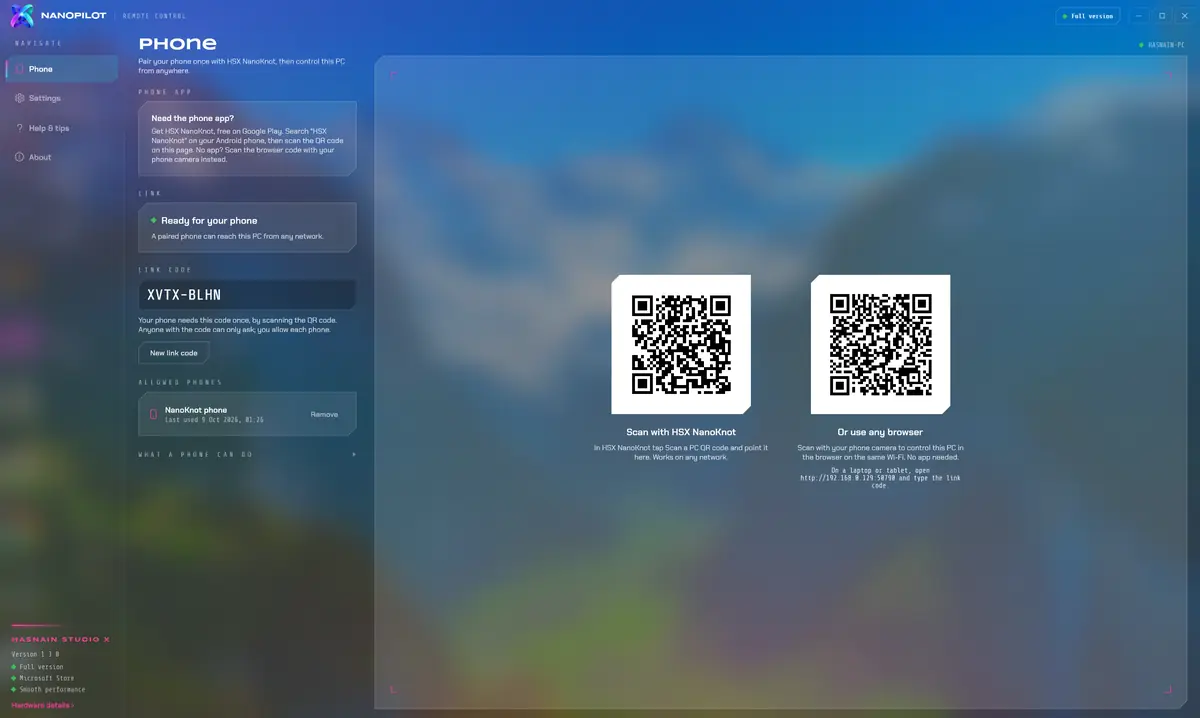
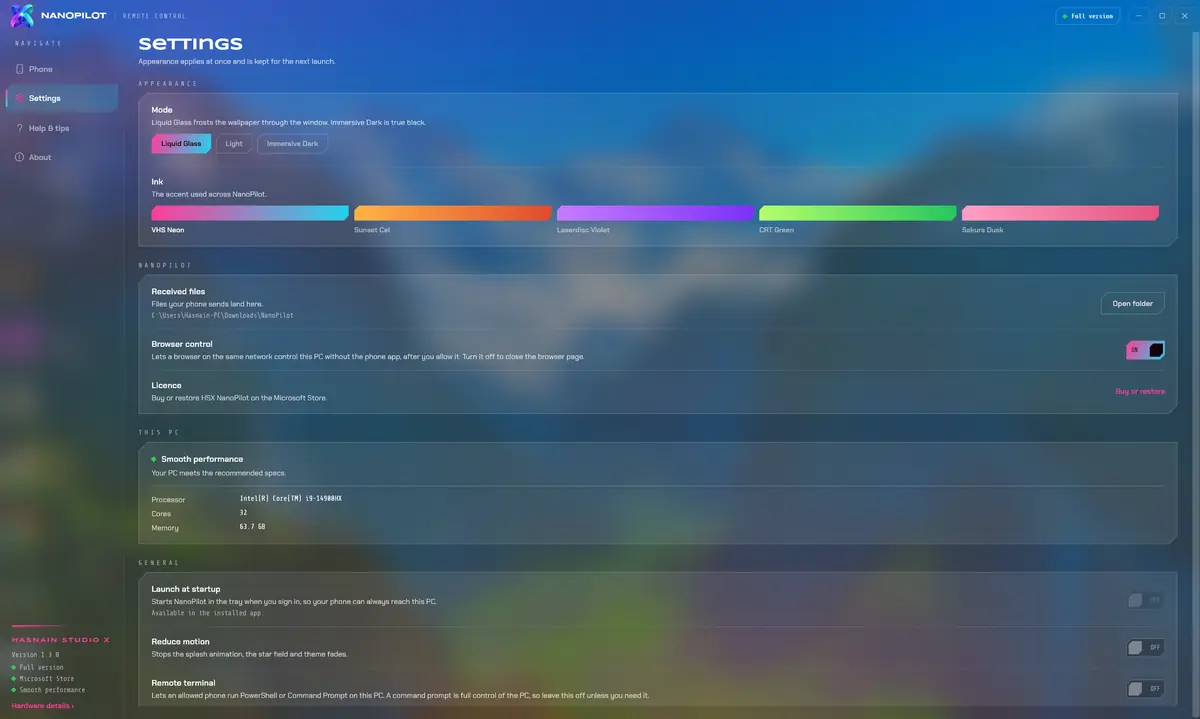
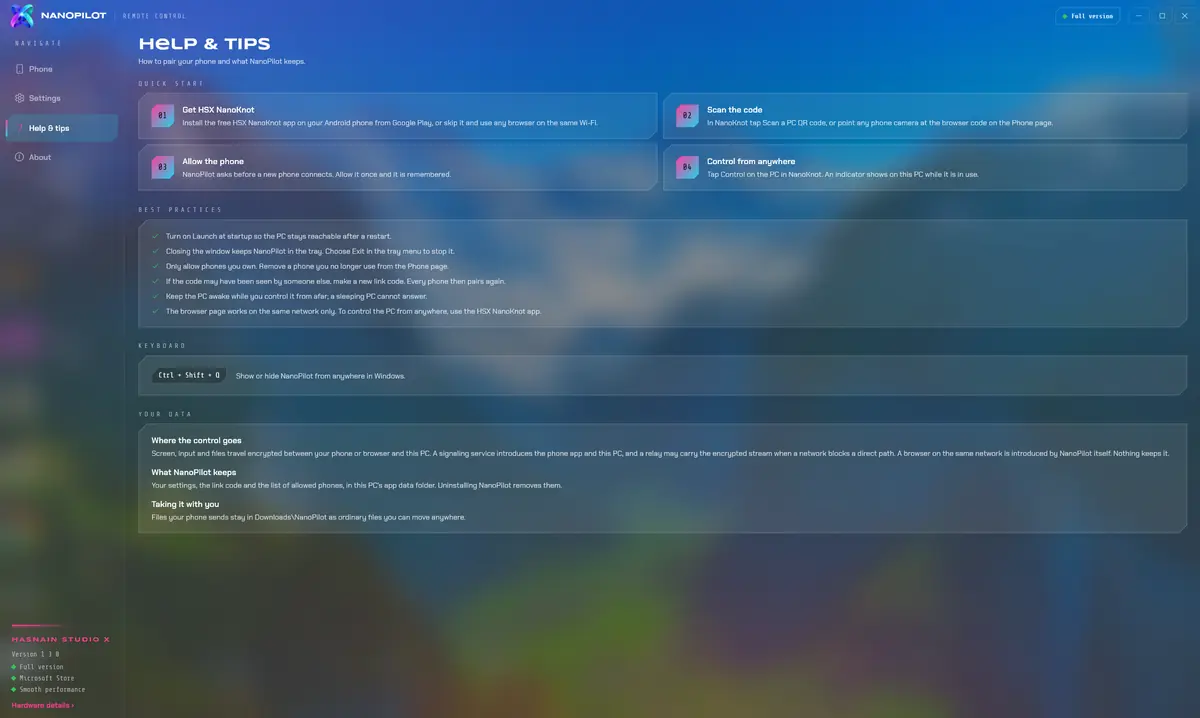
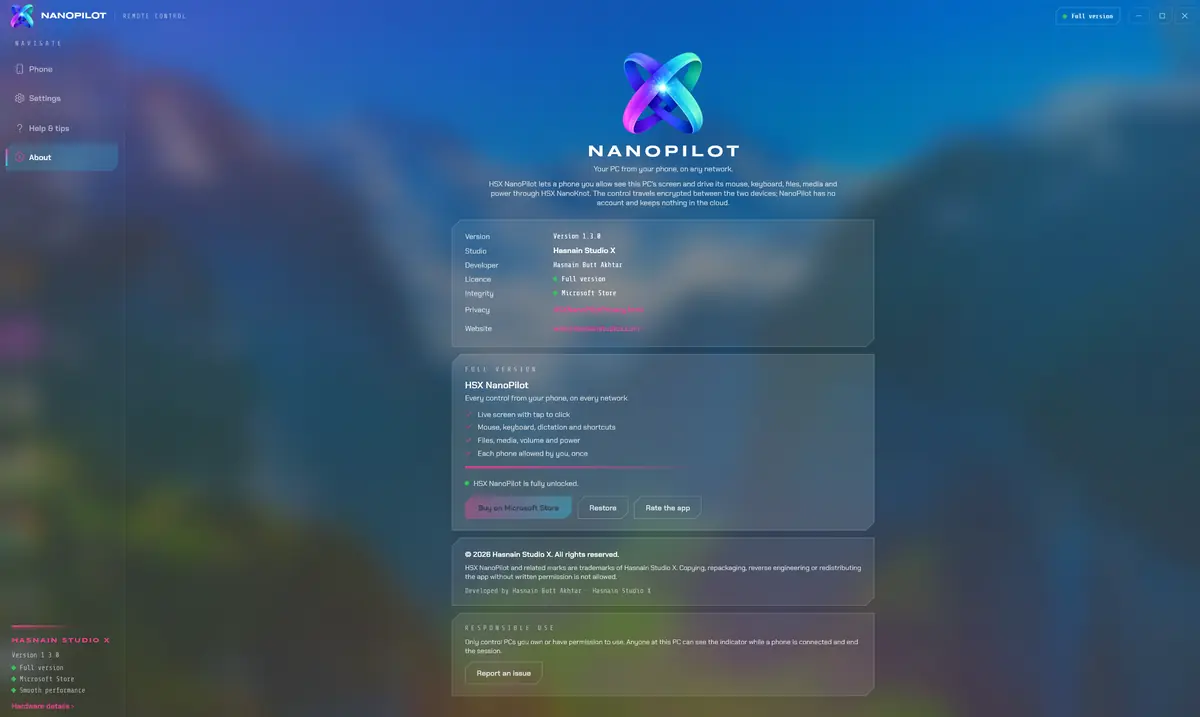
HSX NanoPilot running on Windows, captured from the application itself.
Who it is for
HSX NanoPilot is built for anyone who wants to reach their PC from the sofa, another room or another town, without a remote access account or a cloud service watching their screen.
It sits in the system & performance part of the catalogue, and your screen and files never leave the machine to be processed. There is no server behind HSX NanoPilot to send them to.
Local-first, by design
Plenty of the alternatives send your screen and files to a server to be handled. HSX NanoPilot does not. Processing runs on your CPU or GPU, and your screen, your typing and the files you send stay where you put them. HSX NanoPilot uses the internet only to introduce your phone to your PC; the session itself runs encrypted between your two devices and is never stored by Hasnain Studio X.
That is not a setting you enable, it is how HSX NanoPilot is built, which is why there is no account to create and no subscription to lapse. Full detail is in the HSX NanoPilot privacy policy.
Technical details
- Platform
- Windows 10, Windows 11
- Distribution
- Microsoft Store
- Availability
- In certification
- Licence
- Free trial, then one purchase
- Network required
- Only to link your phone
- Account required
- None
- Telemetry
- None
- Publisher
- Hasnain Studio X
- Developer
- Hasnain Butt Akhtar
Questions
When is HSX NanoPilot released?
HSX NanoPilot is with the Microsoft Store, going through certification. No date is promised until it clears. This page will carry the store link the moment it goes live.
Does HSX NanoPilot need an internet connection?
Only to reach your PC when your phone is away from home. A signalling channel introduces your phone and your PC and stores nothing; the screen, your input and your files then travel encrypted between your two devices. On your own Wi-Fi, a browser can also connect over the local network.
Does HSX NanoPilot require an account?
No. There is no registration, no sign-in and no online identity. You install the application and use it.
What data does HSX NanoPilot collect?
None. There is no analytics, no usage tracking and no crash reporting that leaves your device, and your screen and files are never uploaded. The full detail is in the HSX NanoPilot privacy policy.
Is HSX NanoPilot a subscription?
No. HSX NanoPilot is a free trial followed by a one-time purchase through the Microsoft Store. There is no recurring fee.
Which versions of Windows does it support?
Windows 10 and Windows 11.
Related applications
More of the same kind of tool is listed on pC optimisation and system tools for Windows.
Get HSX NanoPilot
HSX NanoPilot is with the Microsoft Store, going through certification. It is not on sale yet. Send a message and I will tell you the day it goes live.
HSX NanoPilot privacy policy · Support and bug reports · PC & system apps · Full catalogue
HSX NanoPilot™ is a trademark of Hasnain Studio X. Hasnain Studio X™ is a trade mark of Hasnain Studio X.