HSX AI Browser
Private browsing, with AI that runs on your own PC
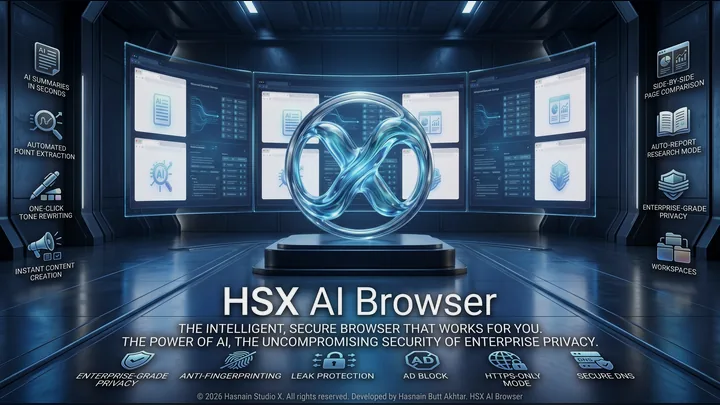
A privacy-first Windows browser that reads pages for you. Summarise a long article in seconds, pull out the points that matter, rewrite a passage in a different tone or draft something new, compare two pages side by side, and let research mode assemble a report from a session. Every one of those features runs on a model installed on your own machine, so the page you are reading is never uploaded anywhere. Underneath it is still a browser built for privacy: ad and tracker blocking, anti-fingerprinting, leak protection, HTTPS-only mode and secure DNS, with no account and no telemetry.
Buy it once through the Microsoft Store. There is no renewal, and no account to keep it working: the copy on your machine keeps running whether or not this studio is still here. Genuine copies are sold only on the Microsoft Store.
What HSX AI Browser does
- Page summaries and key point extraction in seconds
- One-click tone rewriting, and drafting from scratch
- Side-by-side page comparison, and a research mode that writes the report
- Workspaces that keep separate pieces of work apart
- Ad and tracker blocking, anti-fingerprinting and leak protection
- HTTPS-only mode and secure DNS
- Every AI feature runs on your own PC, with no account and no telemetry
HSX AI Browser on screen
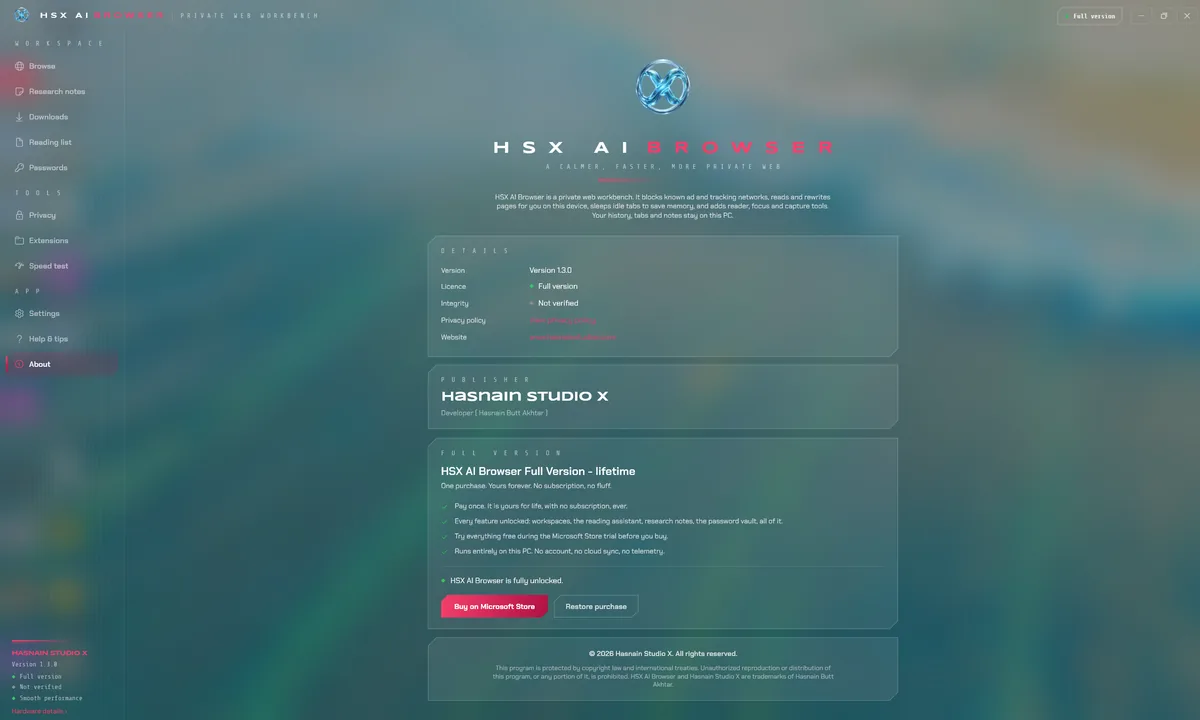
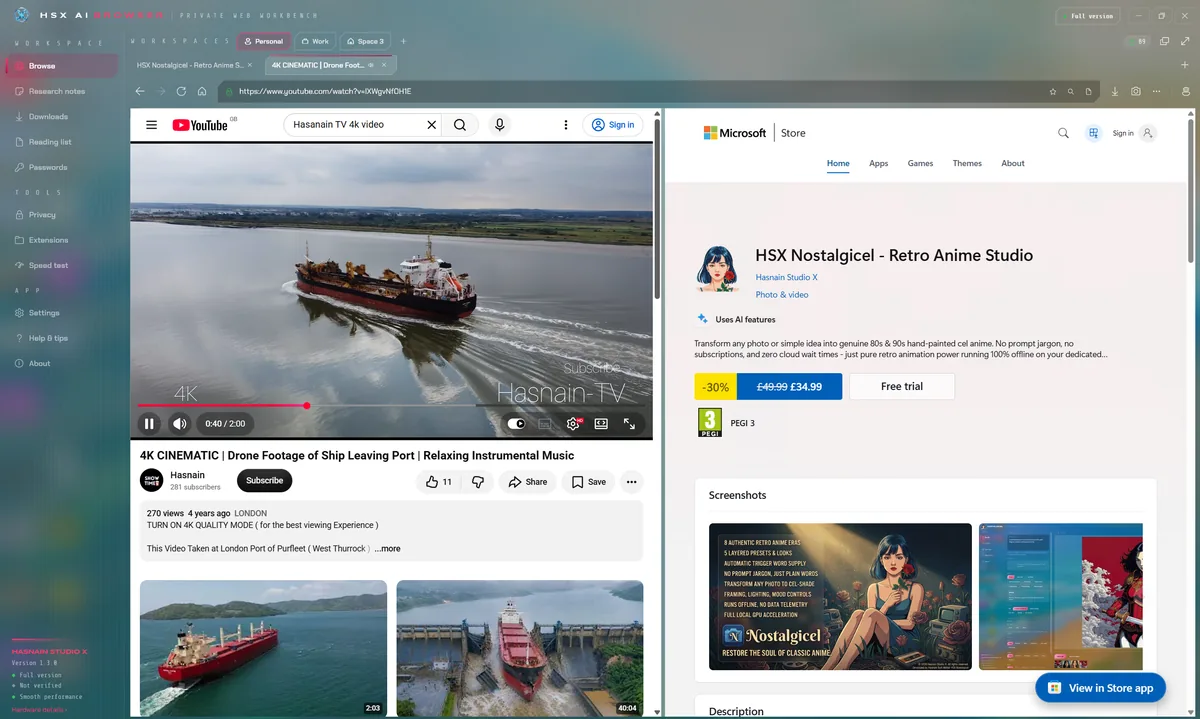
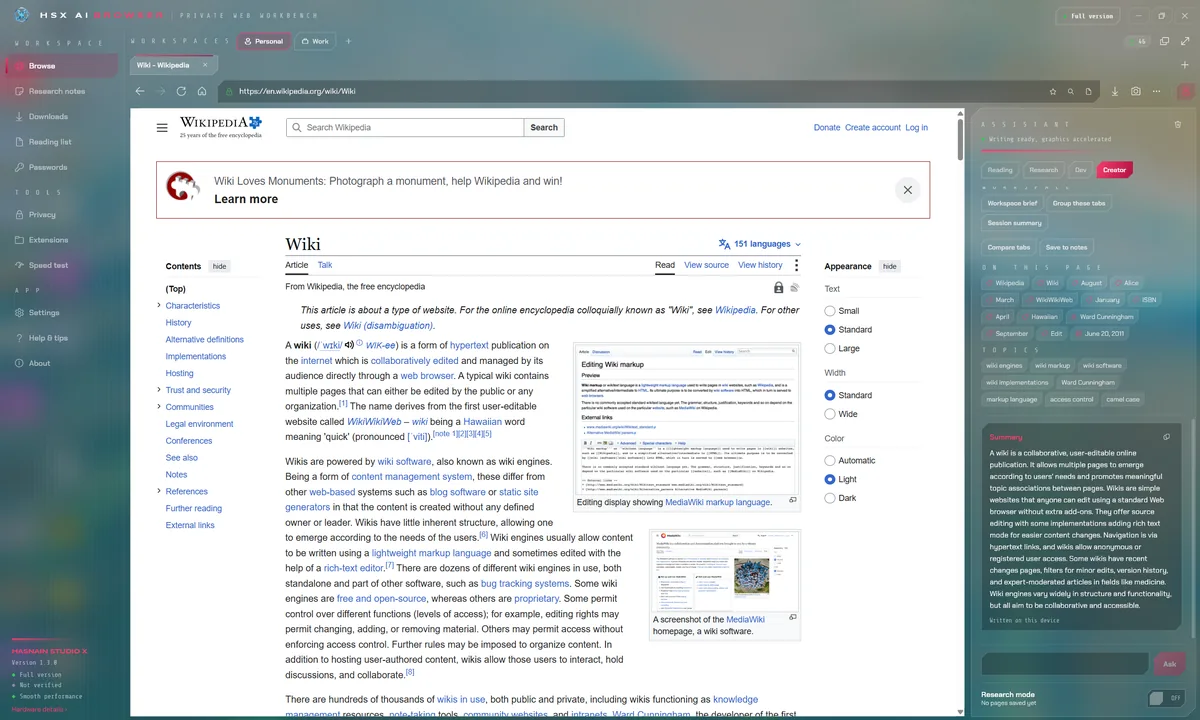
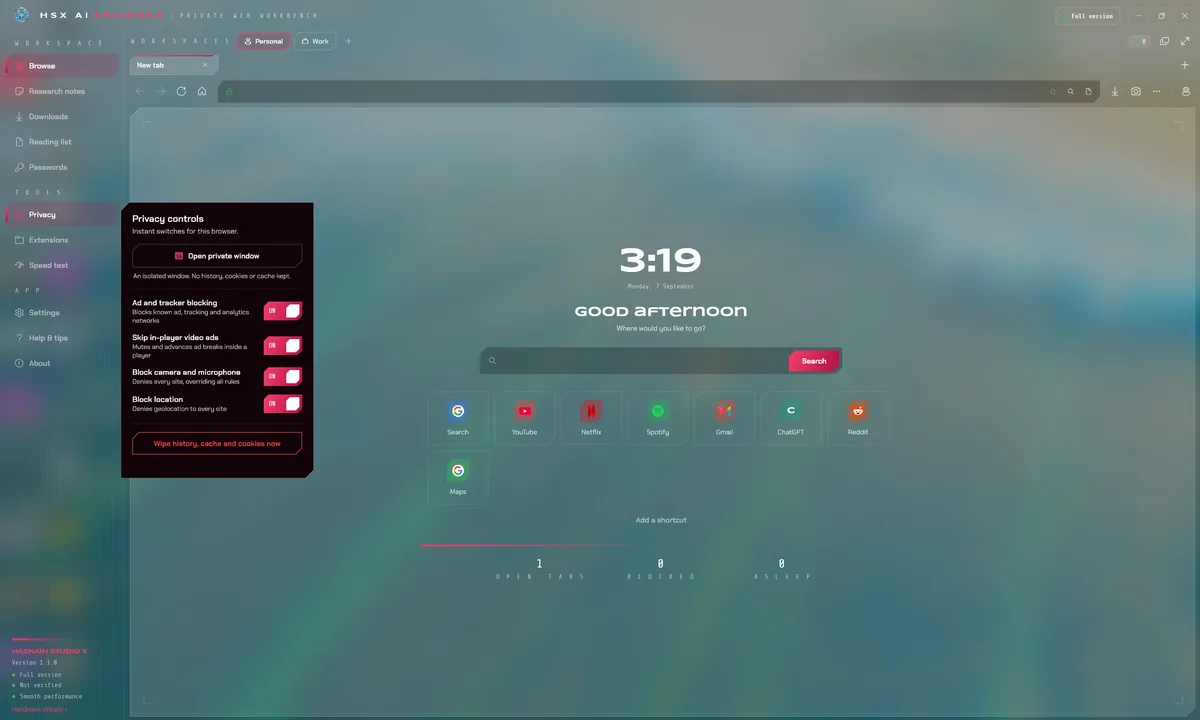
HSX AI Browser running on Windows, captured from the application itself.
Who it is for
HSX AI Browser is built for people who want their machine to run properly without handing a cleanup tool the keys to their data.
It sits in the system & performance part of the catalogue, and your documents never leave the machine to be processed. There is no server behind HSX AI Browser to send them to.
Local-first, by design
Plenty of the alternatives send your documents to a server to be handled. HSX AI Browser does not. Processing runs on your CPU or GPU, and the documents you open stay where you put them. HSX AI Browser does reach the internet for the content it displays, but nothing about you or your files travels the other way.
That is not a setting you enable, it is how HSX AI Browser is built, which is why there is no account to create and no subscription to lapse. Full detail is in the HSX AI Browser privacy policy.
Technical details
- Platform
- Windows 10, Windows 11
- Distribution
- Microsoft Store
- Availability
- Available now
- Licence
- Free trial, then one purchase
- Network required
- Online content only
- Account required
- None
- Telemetry
- None
- Publisher
- Hasnain Studio X
- Developer
- Hasnain Butt Akhtar
Questions
Does HSX AI Browser need an internet connection?
Yes, because HSX AI Browser works with content that lives online. That connection is used to fetch that content and nothing else: your settings, your history and your files are held on your device and are never sent to Hasnain Studio X.
Does HSX AI Browser require an account?
No. There is no registration, no sign-in and no online identity. You install the application and use it.
What data does HSX AI Browser collect?
None. There is no analytics, no usage tracking and no crash reporting that leaves your device, and your documents are never uploaded. The full detail is in the HSX AI Browser privacy policy.
Is HSX AI Browser a subscription?
No. HSX AI Browser is a free trial followed by a one-time purchase through the Microsoft Store. There is no recurring fee.
Which versions of Windows does it support?
Windows 10 and Windows 11.
Related applications
More of the same kind of tool is listed on pC optimisation and system tools for Windows.
Get HSX AI Browser
Available now on the Microsoft Store. Try it free, then a single purchase unlocks it for good with no subscription and no account.
Also listed under privacy tools.
HSX AI Browser privacy policy · Support and bug reports · PC & system apps · Full catalogue
HSX AI Browser™ is a trademark of Hasnain Studio X. Hasnain Studio X® is a registered trademark.