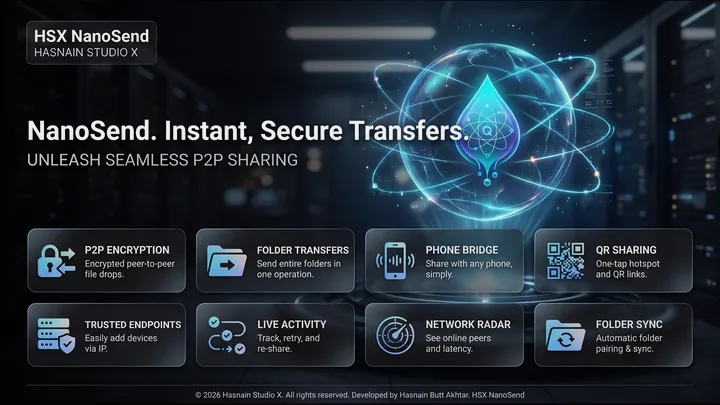
HSX NanoSend
Fast local file sharing over Wi-Fi - no cables
A fast, local file-sharing utility for Windows devices on the same Wi-Fi network. Drag, drop, and transfer files in seconds - no cloud, no cables, no accounts required.
£11.24 on the Microsoft Store (UK), with a free trial firstPrice checked 10 October 2026. Prices differ by country; the Store shows yours.
Buy it once through the Microsoft Store. There is no renewal, and no account to keep it working: the copy on your machine keeps running whether or not this studio is still here. Genuine copies are sold only on the Microsoft Store.
What HSX NanoSend does
- Instant local discovery of devices on the same network
- Drag-and-drop file and folder transfer
- Transfer progress with speed indicator
- Completely offline - no internet connection needed
Is HSX NanoSend right for my PC?
The requirements Microsoft lists on the HSX NanoSend Store page, and a download of about 83 MB.
| Part | Minimum | Recommended |
|---|---|---|
| Windows | Windows 10 (version 2004) or Windows 11 | Windows 10 (version 2004) or Windows 11 |
| Processor | Quad Core Processor x64 | Octa Core Processor x64 |
| Memory | 8 GB | 16 GB |
| DirectX | Version 11 | DirectX 12 API, Hardware Feature Level 12 |
The check runs in your browser and sends nothing anywhere. Browsers only report part of the picture, so the Microsoft Store makes the final check when you install.
Your first hour with HSX NanoSend
A short plan for getting to a real result while the trial is still running.
Start the free trial
Get HSX NanoSend from the Microsoft Store. The Store page shows how long the trial lasts, so you know your window before you begin.
Use your own work
Try it on your own PC and real tasks rather than a quick look around. That is the only test that tells you whether it earns its place.
Try this
Instant local discovery of devices on the same network
Try this
Drag-and-drop file and folder transfer
Try this
Transfer progress with speed indicator
Decide before it ends
If it earned its place, buy it on the Microsoft Store before the trial runs out. The purchase unlocks the copy you already have, so there is nothing to reinstall.
HSX NanoSend on screen

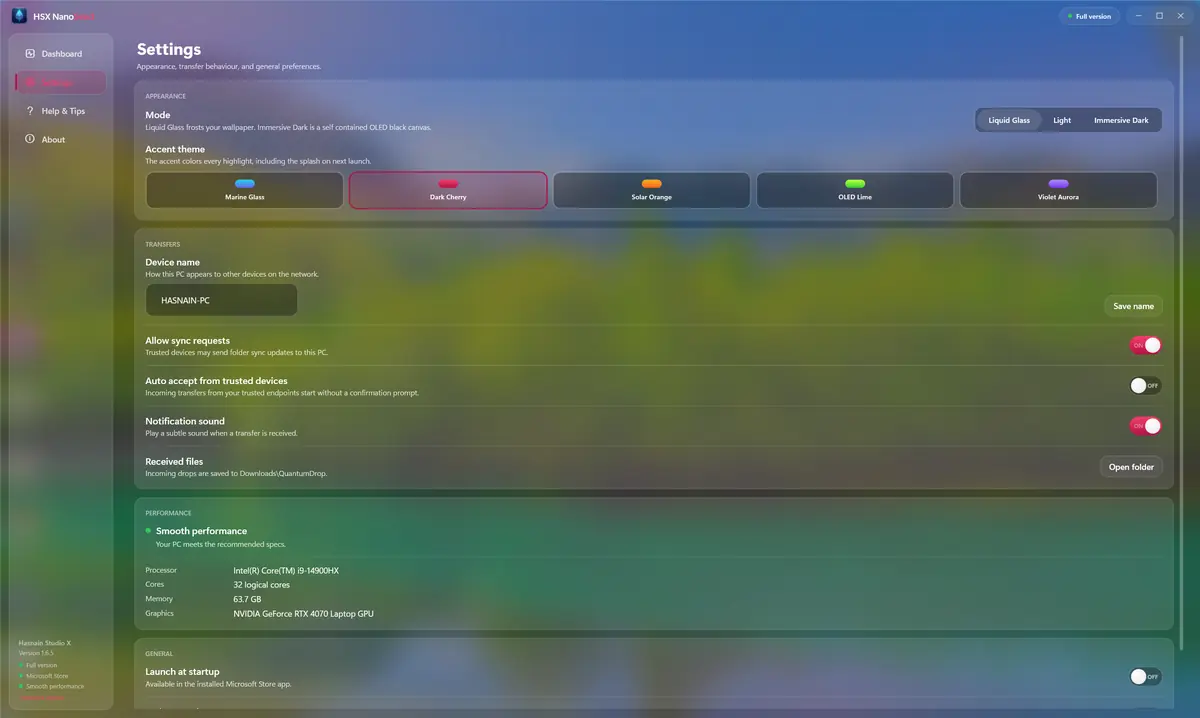

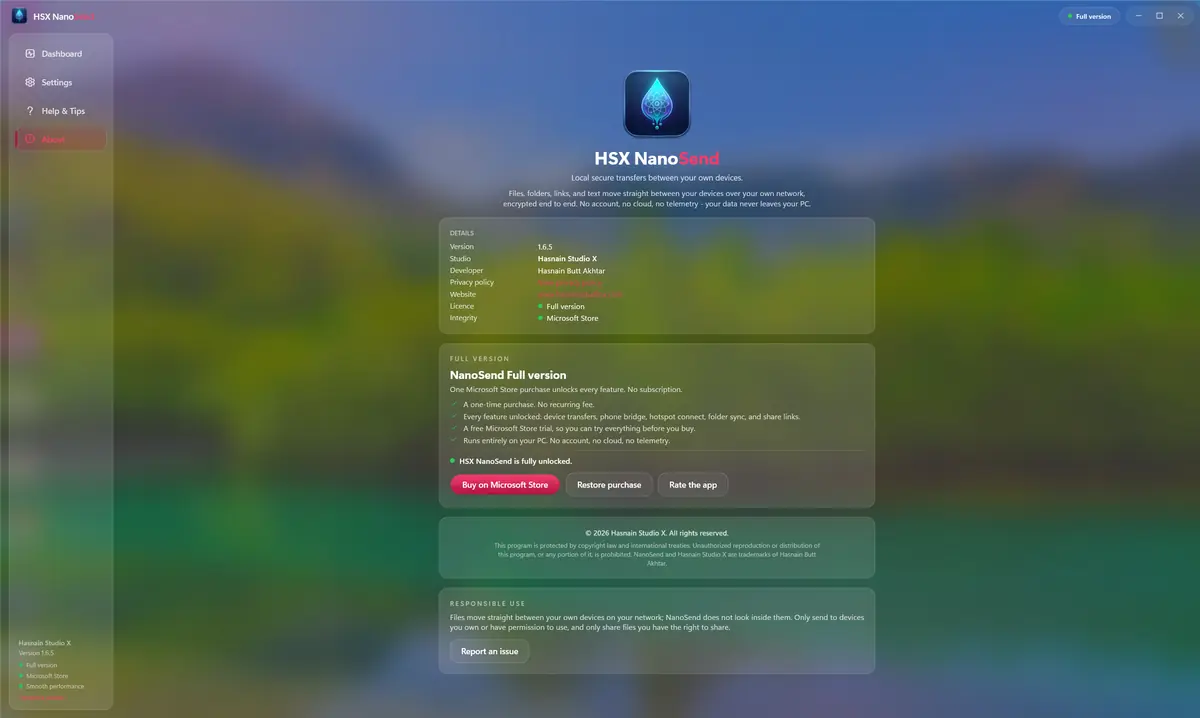
HSX NanoSend running on Windows, captured from the application itself.
Who it is for
HSX NanoSend is built for people moving, converting or archiving files who would rather not route them through someone else’s server.
It sits in the files & transfer part of the catalogue, and your files never leave the machine to be processed. There is no server behind HSX NanoSend to send them to.
Local-first, by design
Plenty of the alternatives send your files to a server to be handled. HSX NanoSend does not. Processing runs on your CPU or GPU, and the files you point it at stay where you put them. HSX NanoSend does need your devices to be on the same network, but that is the only link involved: it runs over your own Wi-Fi or a hotspot, with nothing routed through a server and no internet connection required.
That is not a setting you enable, it is how HSX NanoSend is built, which is why there is no account to create and no subscription to lapse. Full detail is in the HSX NanoSend privacy policy.
Technical details
- Platform
- Windows 10, Windows 11
- Distribution
- Microsoft Store
- Availability
- Available now
- Licence
- Free trial, then £11.24 once (UK)
- Network required
- Your own network only
- Account required
- None
- Telemetry
- None
- Publisher
- Hasnain Studio X
- Developer
- Hasnain Butt Akhtar
Questions
Does HSX NanoSend need an internet connection?
No. HSX NanoSend works over your own Wi-Fi, or your laptop's hotspot where there is no Wi-Fi at all. Your devices talk to each other directly, so nothing is routed through a server and nothing needs an internet connection.
Does HSX NanoSend require an account?
No. There is no registration, no sign-in and no online identity. You install the application and use it.
What data does HSX NanoSend collect?
None. There is no analytics, no usage tracking and no crash reporting that leaves your device, and your files are never uploaded. The full detail is in the HSX NanoSend privacy policy.
Is HSX NanoSend a subscription?
No. HSX NanoSend is a free trial followed by a one-time purchase through the Microsoft Store. There is no recurring fee.
Which versions of Windows does it support?
Windows 10 and Windows 11.
Related applications
More of the same kind of tool is listed on file transfer, conversion and archiving apps.
Get HSX NanoSend
Available now on the Microsoft Store. Try it free, then a single purchase unlocks it for good with no subscription and no account.
Not ready to buy yet? HSX Apps Hub is free on the Microsoft Store. It shows which of your HSX apps have updates and tells you when a new one is out.
HSX NanoSend privacy policy · Support and bug reports · Files & transfer apps · Full catalogue
HSX NanoSend™ and NanoSend™ are trademarks of Hasnain Studio X. NanoSend™ is a coined term originated by Hasnain Studio X. Hasnain Studio X™ is a trade mark of Hasnain Studio X.