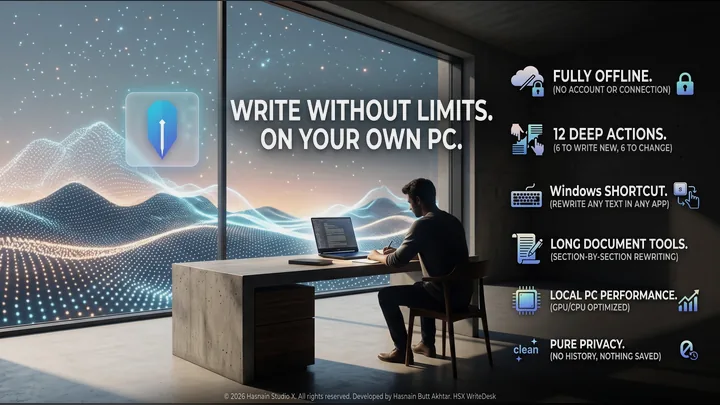
HSX WriteDesk
Offline writing desk that rewrites on your own PC
A local-first writing desk for Windows. Draft new text or reshape text you already have - shorten it, expand it, change its tone - with twelve deep actions, a system-wide shortcut that rewrites whatever you have selected in any application, and section-by-section tools for long documents. Everything runs on your own CPU and graphics card.
What HSX WriteDesk does
- Twelve deep actions - six to write new text, six to change existing text
- Windows shortcut rewrites selected text in any application
- Section-by-section rewriting for long documents
- Fully offline - no account, no connection, no history kept
HSX WriteDesk on screen
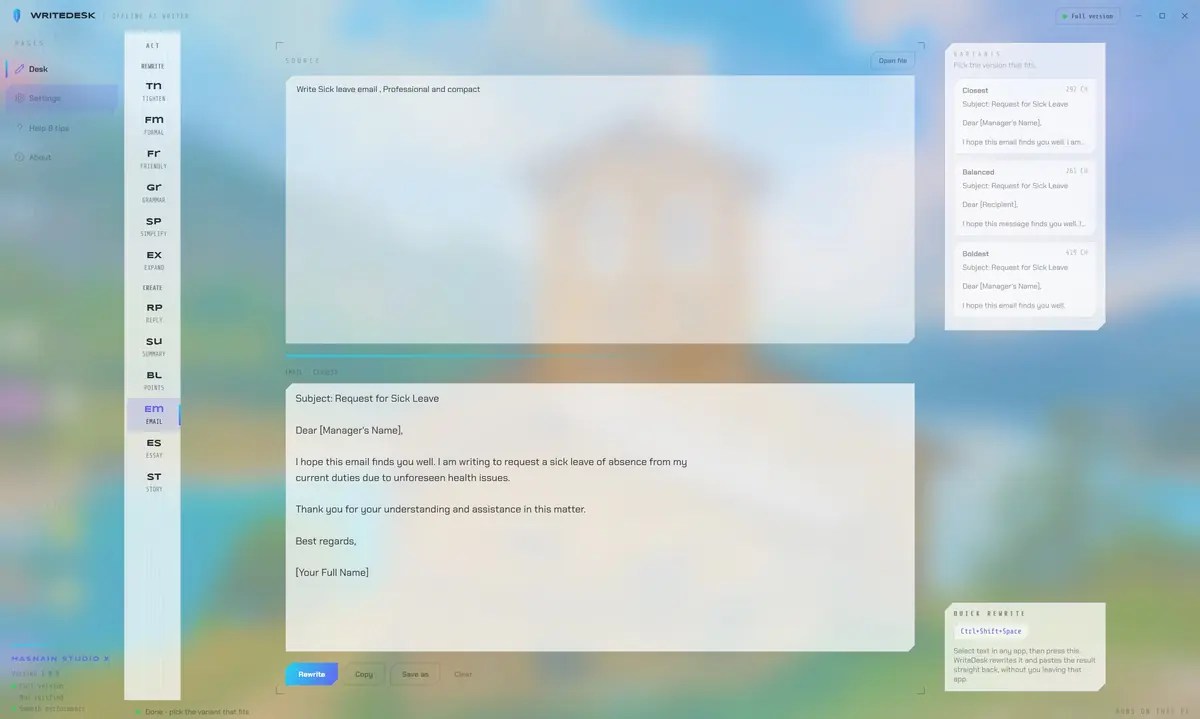
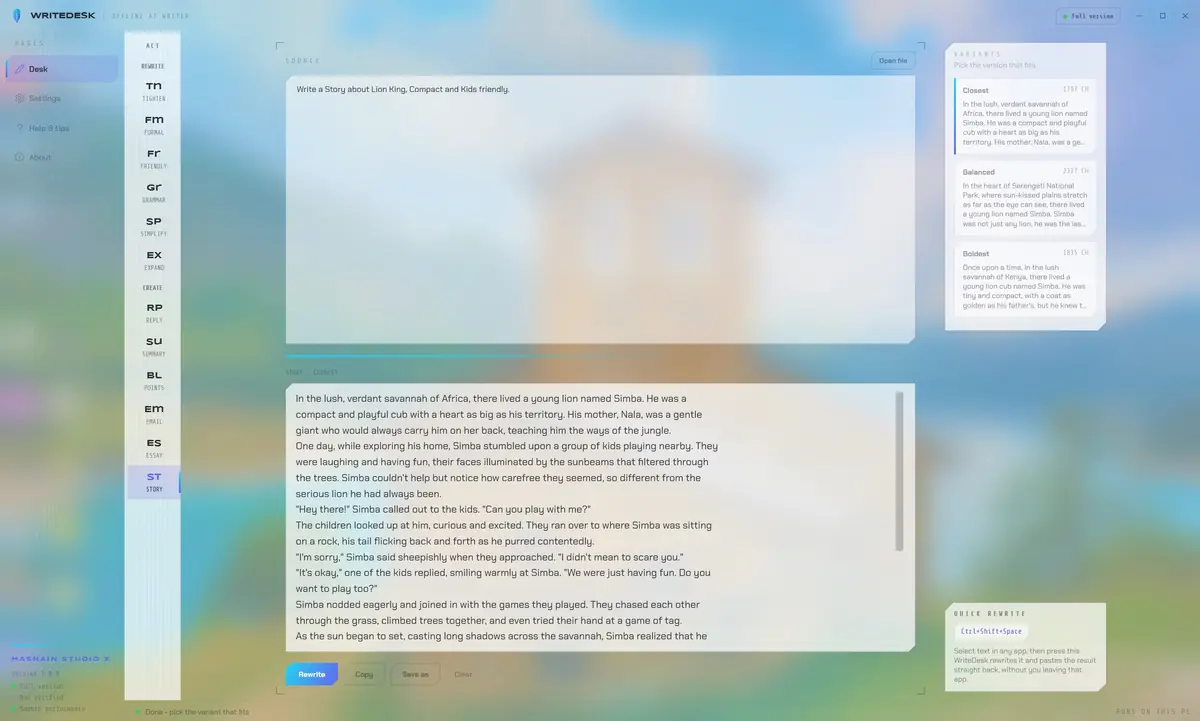
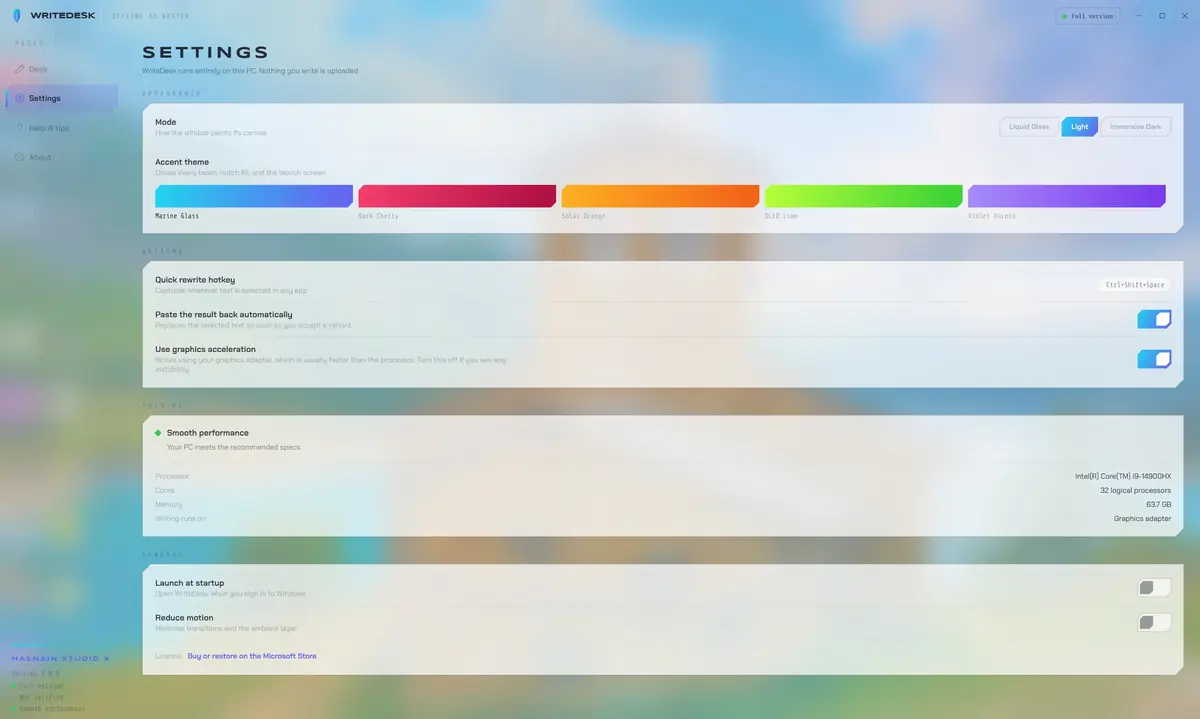
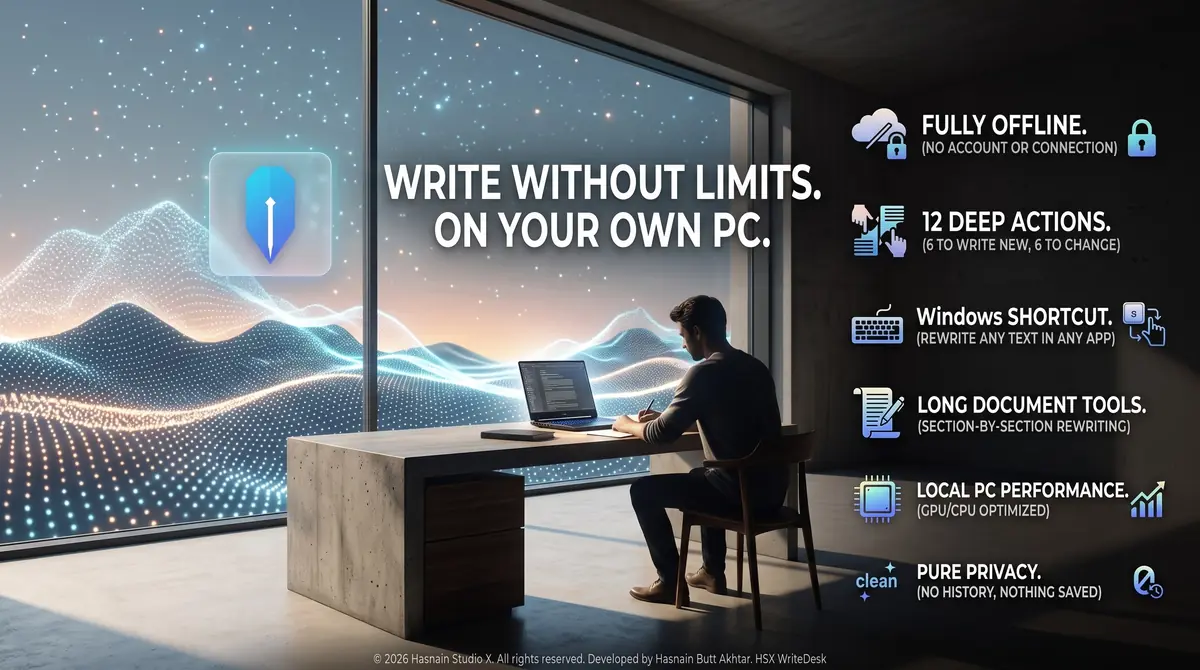
HSX WriteDesk running on Windows, captured from the application itself.
Who it is for
HSX WriteDesk is built for writers, students and professionals who want drafting and rewriting help that never sends a word of their work to anyone else.
It sits in the AI tools part of the catalogue, and your documents never leave the machine to be processed. There is no server behind HSX WriteDesk to send them to.
Local-first, by design
Plenty of the alternatives send your documents to a server to be handled. HSX WriteDesk does not. Processing runs on your CPU or GPU, and the documents you open stay where you put them. The application keeps working with the network switched off.
That is not a setting you enable, it is how HSX WriteDesk is built, which is why there is no account to create and no subscription to lapse. Full detail is in the HSX WriteDesk privacy policy.
Technical details
- Platform
- Windows 10, Windows 11
- Distribution
- Microsoft Store
- Availability
- Available now
- Licence
- Free trial, then one purchase
- Network required
- No, works offline
- Account required
- None
- Telemetry
- None
- Publisher
- Hasnain Studio X
- Developer
- Hasnain Butt Akhtar
Questions
Does HSX WriteDesk need an internet connection?
No. HSX WriteDesk does its work on your own device. You can install it, disconnect, and it keeps functioning. A connection is only used by the store itself, for installation and licence checks.
Does HSX WriteDesk require an account?
No. There is no registration, no sign-in and no online identity. You install the application and use it.
What data does HSX WriteDesk collect?
None. There is no analytics, no usage tracking and no crash reporting that leaves your device, and your documents are never uploaded. The full detail is in the HSX WriteDesk privacy policy.
Is HSX WriteDesk a subscription?
No. HSX WriteDesk is a free trial followed by a one-time purchase through the Microsoft Store. There is no recurring fee.
Which versions of Windows does it support?
Windows 10 and Windows 11.
Related applications
More of the same kind of tool is listed on local AI apps that run on your own GPU.
Get HSX WriteDesk
Available now on the Microsoft Store. Try it free, then a single purchase unlocks it for good with no subscription and no account.
HSX WriteDesk privacy policy · Support and bug reports · Local AI apps · Full catalogue
HSX WriteDesk™ is a trademark of Hasnain Studio X. Hasnain Studio X® is a registered trademark.